
Set the recording level
July 24, 2006 | 0 comments
Set the recording level.
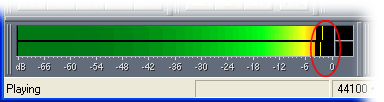
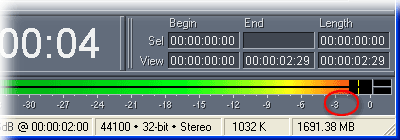
In Adobe Audition’s Multitrack View, double-click the Level Meters to turn them on, and then play something into the microphone. Use the Recording Control window to adjust the Line In slider so the Level Meters peak at around -2 or -3 dB. Then double-click the Level Meters to turn them off.
Comments