
Repair artifacts in a single step
July 24, 2006 | 0 comments
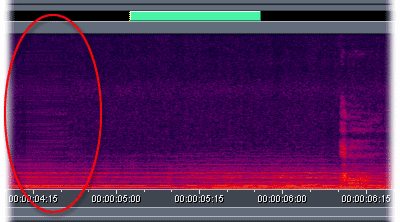
Repair artifacts in a single step.
Choose Favorites > Repair Transient. Adobe Audition replaces the artifact by copying surrounding audio. To make the repair even more seamless, choose Effects > Amplitude > Amplify/Fade, select 3dB Boost from the Presets list, and click OK.
Favorites let you quickly apply frequently-used effects and scripts. The Repair Transient favorite automatically applies the Fill Single Click Now command from the Click/Pop Eliminator effect. This command requires a selection of less than 25,000 samples—a bit more than half a second at CD quality.
Comments