
Create Pop Illustration
September 12, 2006 | 0 comments
Create Pop illustration
Create a new background with the dimensions 400x 500, 72dpi and paint it with the white color. Then a new one and using the instrument  , we create the next picture:
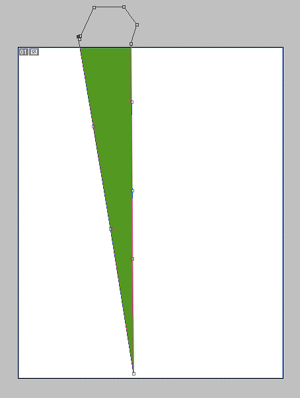
Using the same instrument keep create triangles until we’ll get the next picture:
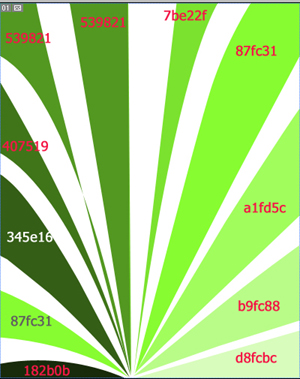
For your convenience are indicated the colour’s codes. The triangles must be created on different backgrounds.

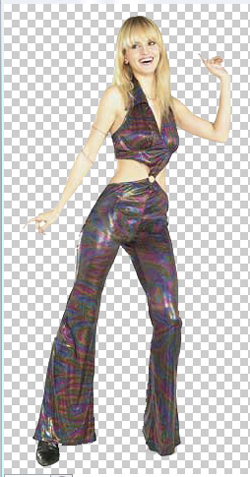
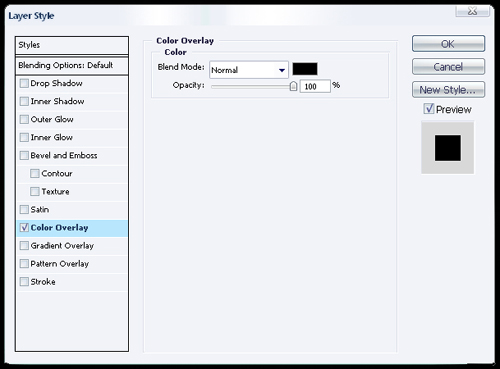
Then on the same file choose Blending Options using the right mouse’s button. Choose Color Overlay and set out the black colour.
Now the girl became a silhouette.
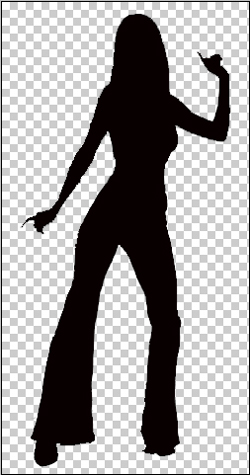
Add the girl’s silhouette to the triangles’ design. Some of the backgrounds you should place under the girl’s silhouette background and some of them above.
The final result:

Comments