Categories

Partners
 
  • Photoshop Templates

  • Website Templates

  • Web Templates

  • Flash Web Sites

  • WordPress Templates

  • Free Ringtones

  • Free Stock Photos and Images

  • Photoshop

  • St. Louis LASIK | LASIK info

  • Load Cells

  • osCommerce Templates

  • Web Hosting


  • Website Templates
    Search


    Advanced Search


    Three girls posing in the night Illustration
    Published  09/15/2006 | Adobe Photoshop
       
    Three girls posing in the night Illustration


    Three girls posing in the night Illustration

    Let's learn how to create an illiustration.  You can get your favorite photo and try to do the same steps.

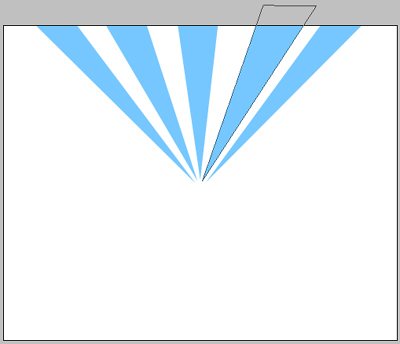
    Let’s create a new document with dimensions 500x400 and 72 dpi.  Using the instrument Pen tool Photoshop CS , create a triangle (colour code is indicated with red).
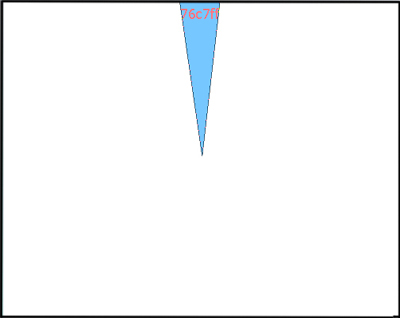
    Create Three girls posing in the night Illustration in Photoshop CS

    Continue using the same instrument Pen tool Photoshop CS and create triangles on all the backgrounds - one triangle to one background:

    Create Three girls posing in the night Illustration in Photoshop CS

    All of them having the same colour:

    Create Three girls posing in the night Illustration in Photoshop CS

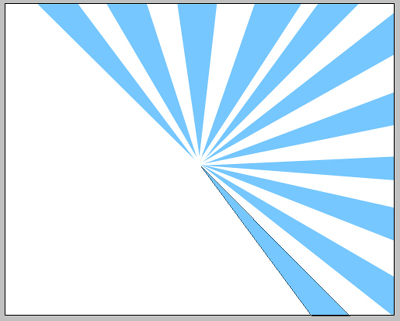
    Continue create triangles:
    We’ll get the next picture.
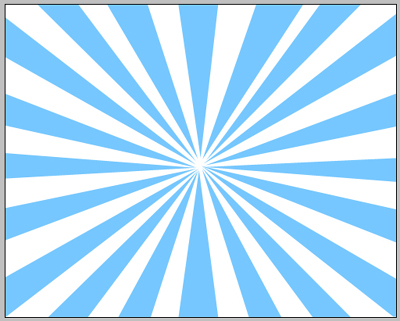
    Create Three girls posing in the night Illustration in Photoshop CS


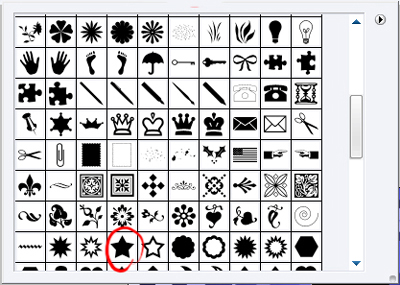
    On a new background create a nice star using this instrument Photoshop CS2 Tool:

    Create Three girls posing in the night Illustration in Photoshop CS

    The colour code is indicated again with red.

    Create Three girls posing in the night Illustration in Photoshop CS

    Make several stars of different dimensions, but of the same color.
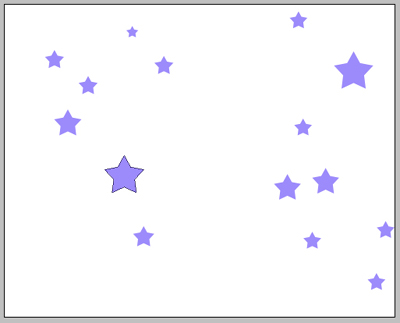
    Create Three girls posing in the night Illustration in Photoshop CS

    And several stars of different colors:
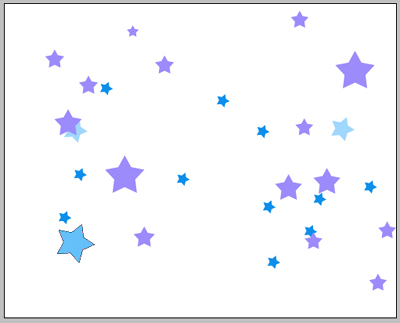
    Create Three girls posing in the night Illustration in Photoshop CS

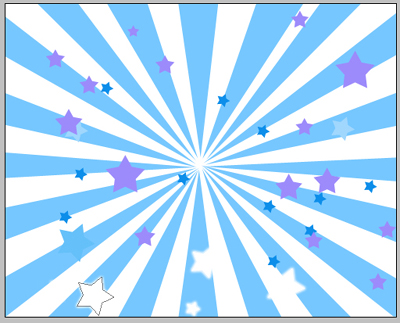
    We’ll combine our stars with the triangles and we’ll have the next picture:
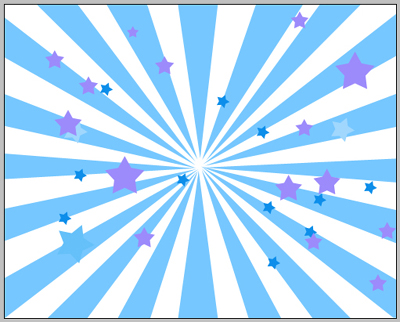
    Create Three girls posing in the night Illustration in Photoshop CS

    We’ll add some luminescent stars using the instrument Blending Options where we’ll choose Outer Glow and set out like in this picture:
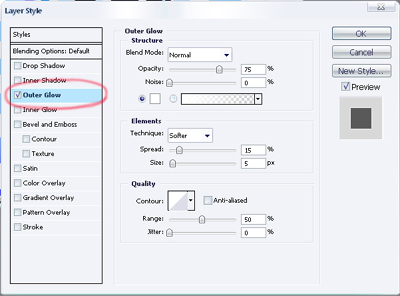
    Create Three girls posing in the night Illustration in Photoshop CS

    We’ll get luminescent stars:

    Create Three girls posing in the night Illustration in Photoshop CS

    Add some extra-effects. We’ll use a big brush of white color on a new background and make the upper part of the picture brighter. The brush’s dimensions: hardness – 0% and opacity – 10%:
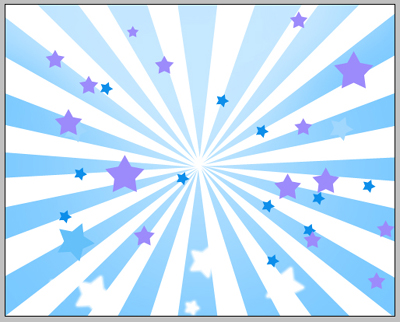
    Create Three girls posing in the night Illustration in Photoshop CS

    Also we’ll dark out the edges of the picture by clicking the next instrument and choosing Curves on a new background:
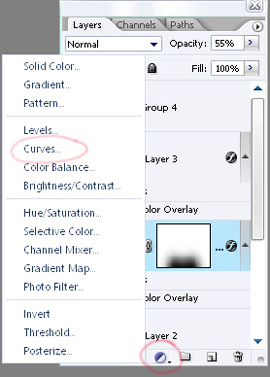
    Create Three girls posing in the night Illustration in Photoshop CS

    The menu is open and we can install the next parameters. Seizing the left point from the bottom.
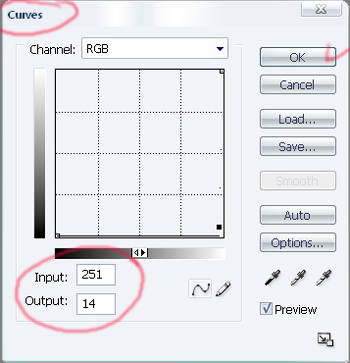
    Create Three girls posing in the night Illustration in Photoshop CS

    If anything is done correctly we’ll see the next:
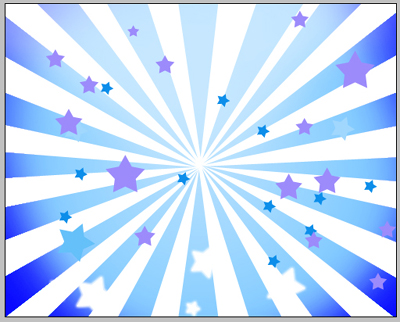
    Create Three girls posing in the night Illustration in Photoshop CS

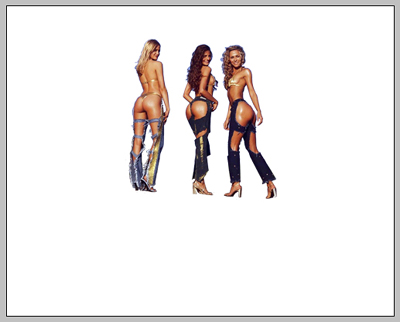
    Let’s take the girl’s photo and using the instrument Pen tool Photoshop CS, move off the background:

    Create Three girls posing in the night Illustration in Photoshop CS

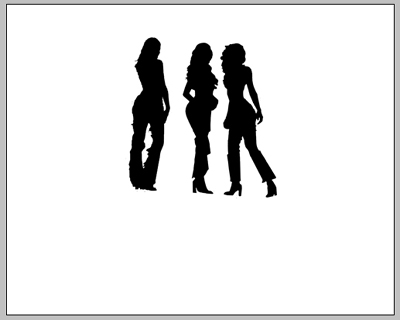
    Applying Blending options and parameter Colour Overlay on the girls’ background set out the black colour.
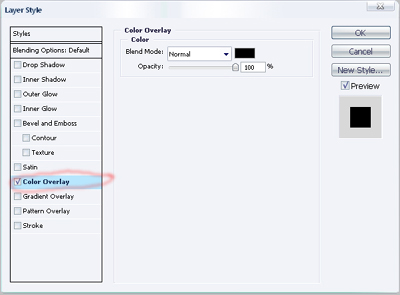
    Create Three girls posing in the night Illustration in Photoshop CS

    We’ll get the girls’ silhouettes:

    Create Three girls posing in the night Illustration in Photoshop CS

    Add the girls’ silhouettes to the result we got before and we’ll see:
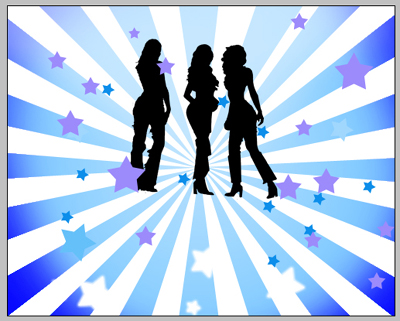
    Create Three girls posing in the night Illustration in Photoshop CS

    Add also a shadow under the girls. We need to copy the background with girls’ silhouettes and use Free Transform (by clicking the right button of the mouse on the background) and display the silhouettes on 180* vertically. Don’t forget to change the opacity – 55% on the background.

    Create Three girls posing in the night Illustration in Photoshop CS
    Avid users of Adobe Photoshop who are really keen regarding blog marketing need to concentrate on internet marketing as well. Although this is an excellent option of home affiliate business, all their attention is driven towards the artistic and creative aspect of their blogs.This results in unconscious glitches in their hosting plans. They disregard the importance of effective business hosting and in fact sometimes totally give a cold shoulder to domain tools. Using such a brilliant illustration like three-girls-posing-in-the-night and tuning out the business aspects of your blog may have serious repercussions. Therefore affiliate marketing should be kept in mind while running a website.


    Three girls posing in the night Illustration

    Let's learn how to create an illiustration.  You can get your favorite photo and try to do the same steps.


    PSDTUTS+ Photoshop Tutorials and More