
Lake with a boat in a moon night
Boat-side Silhouette – Lake with a boat in a moon night silhouette scene
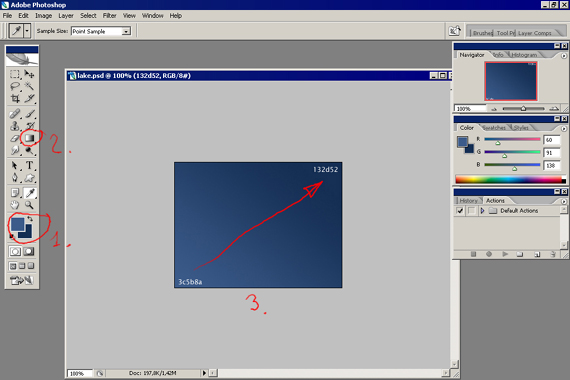
Make a new background with dimensions of 500×400 and 72 dpi and paint it
(the color code is indicated), step (1), click on the  (Gradient tool)
step (2) and draw the gradient direction from the left low corner of the picture
to the upper right corner, step (3):

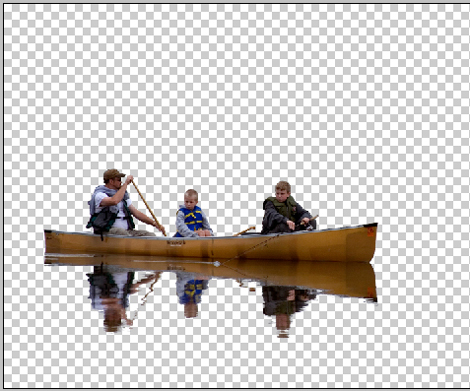
Using the instrument  cut out the photo without background together with the reflection:

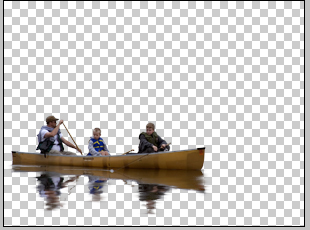
Using the instrument  spread the reflection moving horizontally form left to the right side:
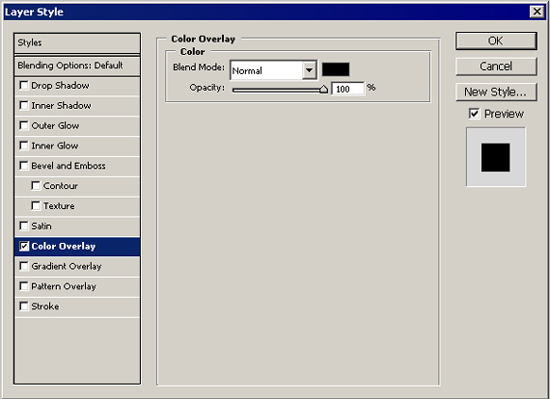
On this background click on the right mouse’s button and choose Blending options, Color Overlay: set out the black color.
We’ll get a silhouette:
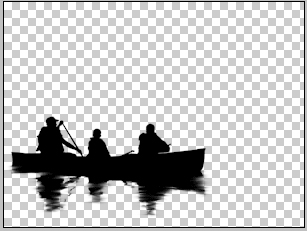
Combine both materials:
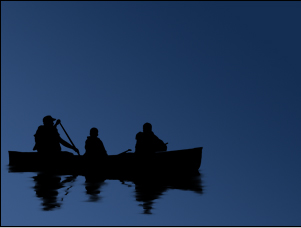
Then using the instrument  , make some stars under the silhouette (the stars will have white color):
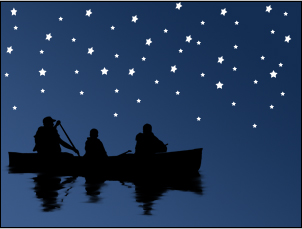
Build the horizontal line using the instrument and choosing Line tool with a thickness of one pixel:
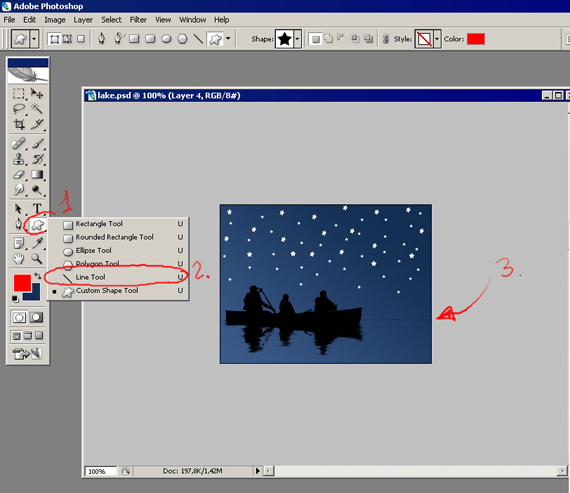
We’ll get:
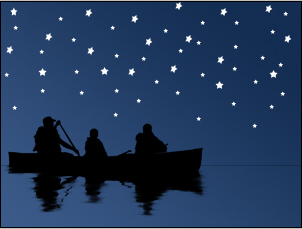
Then copy our background (from the beginning) and Free Transform it, letting down the upper part till horizontal line and locate this background under the second one:
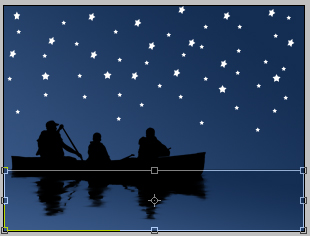
We’ll get:
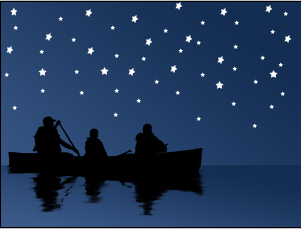
Now find the Moon’s picture and using the instrument , cut out the background. Then insert it in the picture:
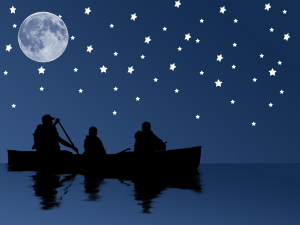
The final result.
Comments