
Pattern vector Abstract design – Digital Artwork
Pattern vector Abstract design, digital artwork
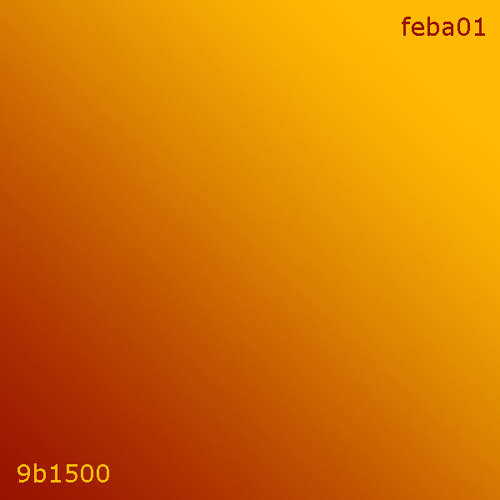
Create a new background with dimensions 600×600 and 72 dpi. Make a gradient mending using the instrument  and color codes indicated in the picture.
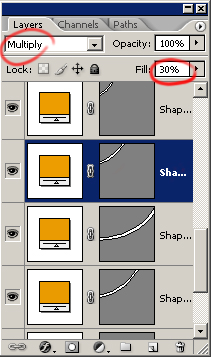
Then using the instrument  draw some inclined stripes with the color ea9b02 and the parameters like in the picture.
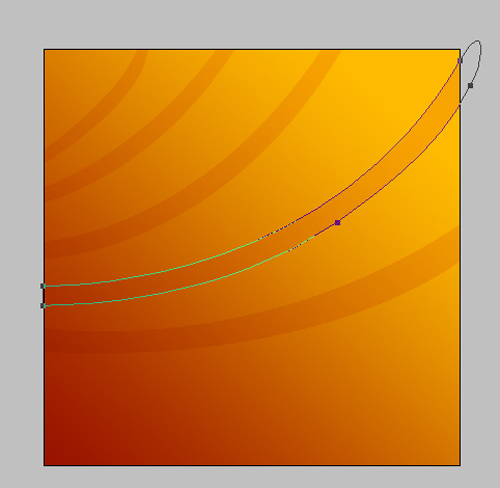

Using the instrument , make a turned figure like this one.

Copy the figure and make it smaller using the instrument Free Transform.

Copy all the figures and change their color on the other one (ffba0a)

Create a new circle using the instrument  . Set it on 0. This function you’ll find in the backgrounds’ window. Set out everything like in the picture using Blending Options.
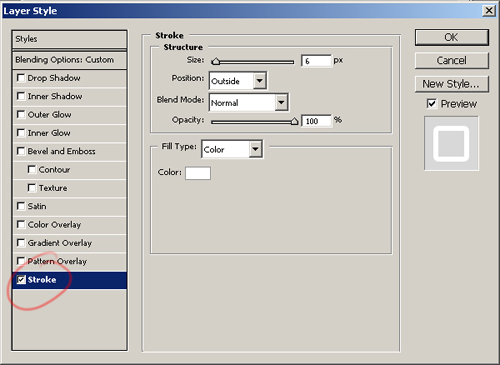
The second, smaller circle has the color code ffba0a.
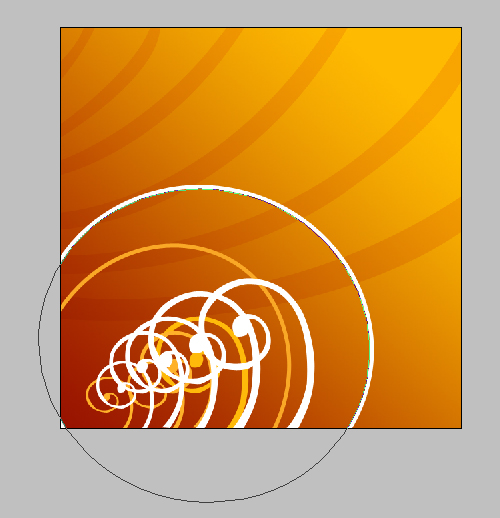
Using the brush  and three colors (8a0300, ffbe08, ffffff) on a new background display the color patches the way you want.

Comments