
File browsing and organizing with Adobe Bridge
May 11, 2006 | 0 comments
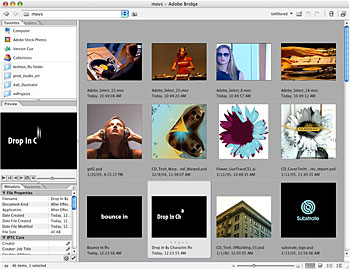
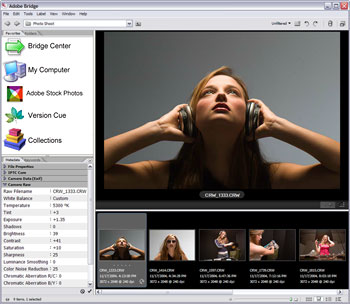
Powerful, integrated file managementFind the content files you need in Adobe Bridge, and then simply drag and drop them into your film, video, audio, and DVD productions. Full-featured preview capabilitiesView thumbnails with variable zoom control. Watch video and listen to audio files in Adobe Bridge before adding them to your project. Preview Animation Presets and templatesConveniently preview After Effects Animation Presets and templates in Adobe Bridge.
XMP metadata supportAnnotate and browse your content assets with the power and versatility of full XMP metadata support. Search by fields such as artist, copyright date, keywords, title, and many more, including fields you can define yourself. 
Adobe Stock PhotosVisit Adobe Stock Photos via Adobe Bridge to browse and purchase any of thousands of royalty-free images. |
Comments