
The matrix code
October 5, 2006 | 0 comments
Matrix-Code
Ever wanted to use the matrix-code for a sig or for a wallpaper? Now you can by using this tutorial. It ain’t hard to achieve the effect every Matrix-fan desires…
Follow these guidelines to create the effect from the movie The Matrix!
-
Step 1 Open up a new document no matter what size with a white background;
Go to Filter>Texture>Grain and putt both bars to 100 and choose Vertical from the menu: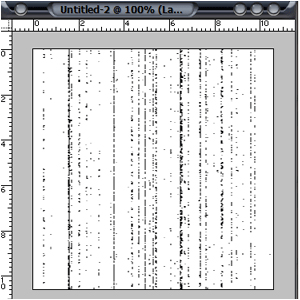
-
Step 2 Go to Filter>Artistic>Neon Glow and choose 5 or 6 and a bright green color;

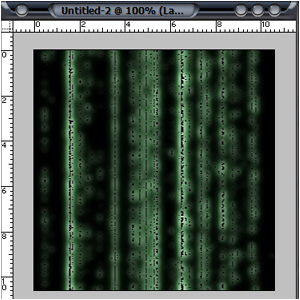
-
Step 3 Go to Filter>Stylize>Glowing Edges and choose 1,6,2;
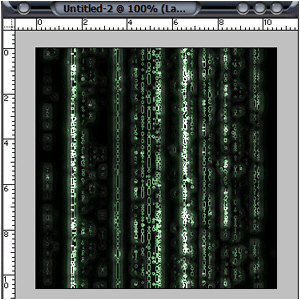
-
Step 4 Duplicate the layer and set Filter>Blur>Motion Blur to -90, 100 and change the blending-mode to lighten;
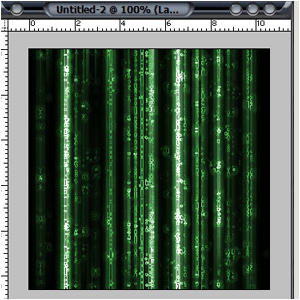
Author : MICK MOOLHUIJSEN
HomePage : http://www.mickm.com

Comments