
Photo Enlarge Effect
October 5, 2006 | 0 comments
Enlarge Stuff
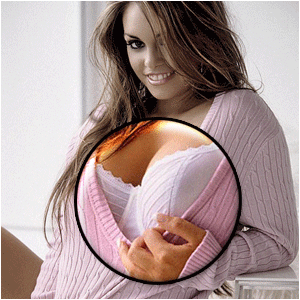
This technique is great for previews of websites where you want to let people see the whole image on a small canvas and still give them some enlarged popups. I used it on a photo, but as I said, you can use it for various things…
This technique can be used in previews of pictures! Great to learn!
-
Step 1 Open up a picture that is bigger then your image-canvas;

-
Step 2 Select a part of it and press CTRL+C and then CTRL+V;

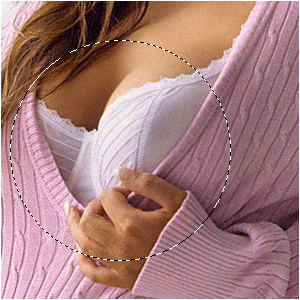
-
Step 3 The base-layer you must resize the way it fits the image;
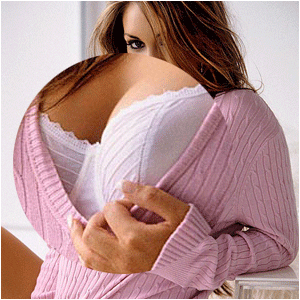
-
Step 4 Resize the spare-part too if it’s too big;
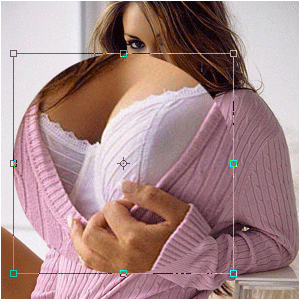
-
Step 5 Place it in position;

-
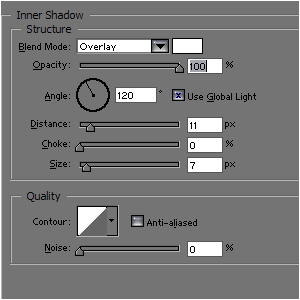
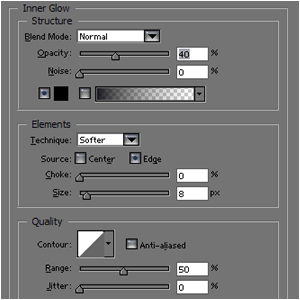
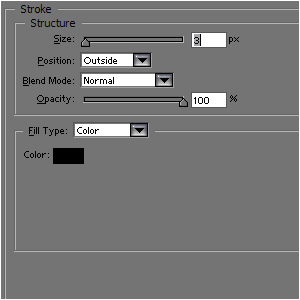
Step 6 Add these layer-styles;
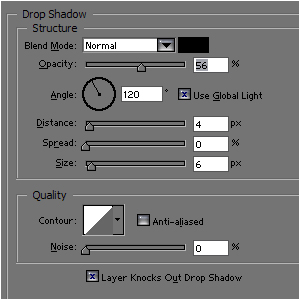
-
Step 7 Maybe lower the saturation of the background-picture for more feeling to it:
Author : MICK MOOLHUIJSEN
HomePage : http://www.mickm.com
HomePage : http://www.mickm.com
Comments