
FX Lightsaber Effect
The Lightsaber
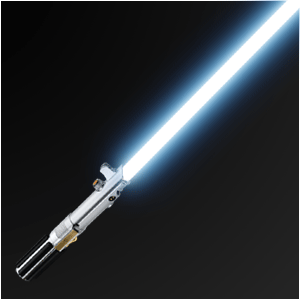
The weapon of all weapons!!! Personally, I’m not a fan of weapons, but you can’t hate this lasersword. “The weapon of a Jedi-Knight. Not as clumsy or random as a blaster!” Learn in a few simple steps how to make your own saber!
Learn how to create the best weapon in the world!
-
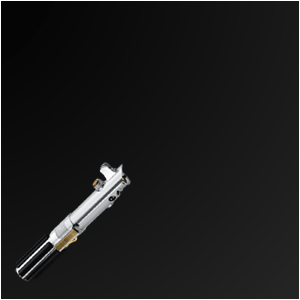
Step 1 Create a new image with a Saberhilt ready to be turned on;
Note:YOU CAN SEARCH GOOGLE FOR ONE OR USE AN IMAGE OF YOUR OWN, BUT IF YOU’RE LOOKING FOR JUST THE HILT, MasterReplicas.com IS REALLY GOOD!

-
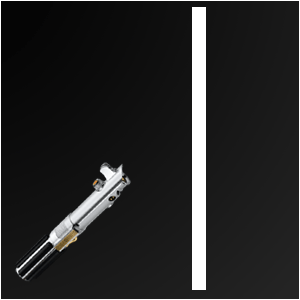
Step 2 With the Retangular Marquee-tool make an object like the one below;
-
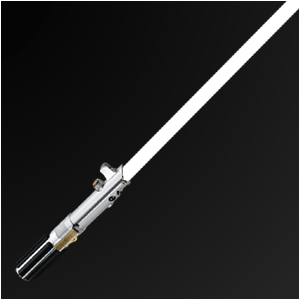
Step 3 Turn it THAT way, it looks the same as below = Right ON TOP of the hilt;
-
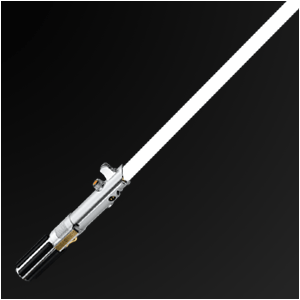
Step 4 Make the edges smoother and more round;
-
Step 5 Duplicate the layer so that you have 2 saber-layers;
Give the original saber-layer a Gaussian Blur of 2-3 pixels;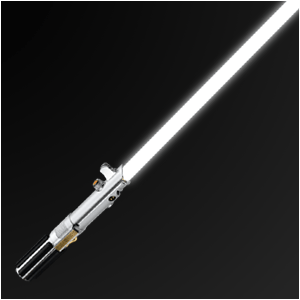
-
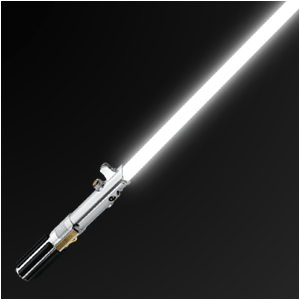
Step 6 And give the upper saber-layer a Gaussian Blur of 1-2 pixels;
-
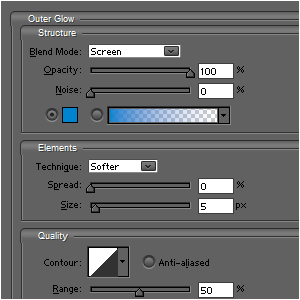
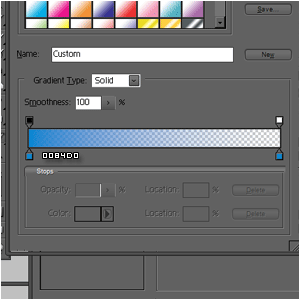
Step 7 Add these Outer Glows to BOTH saber-layers;
-
Step 8 Add these Outer Glows to BOTH saber-layers;
HomePage : http://www.mickm.com

Comments