
Tattoo Design on a Picture
October 5, 2006 | 0 comments
Tattoo Design on a Photo
-
Step 1 Open up a picture of someone with some naked skin;

-
Step 2 Choose your desired tatoo (I’ve chosen a cheasy tribal-thingy);


-
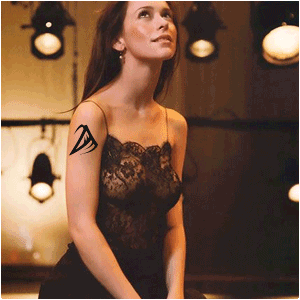
Step 3 Resize it and make it fit the body-part;
-
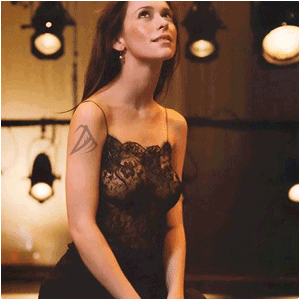
Step 4 Lower the opacity just a little;
-
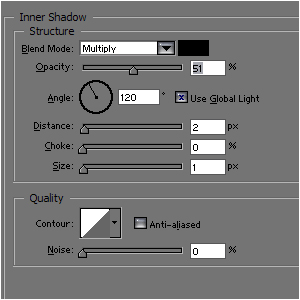
Step 5 Add these effects to it;
-
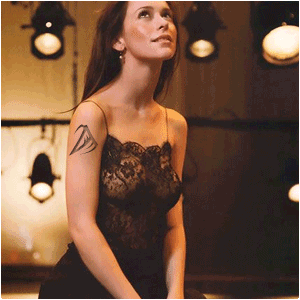
Step 6 And you’re done…
Author : MICK MOOLHUIJSEN
HomePage : http://www.mickm.com
Comments