
Drawing a sexy and beautiful woman
Use this technique to create a modern woman.
Make a new file with 385×1195 px and 72 dpi. Paint it ( ) with the color shown in the picture.
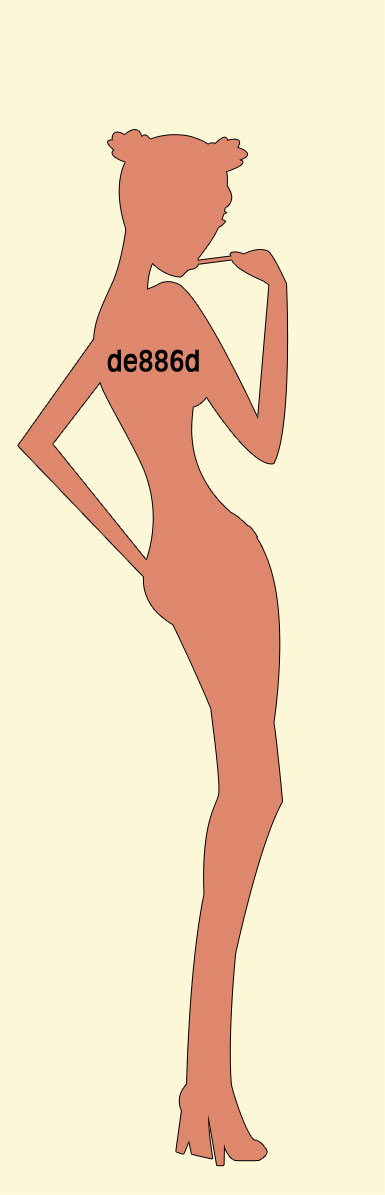
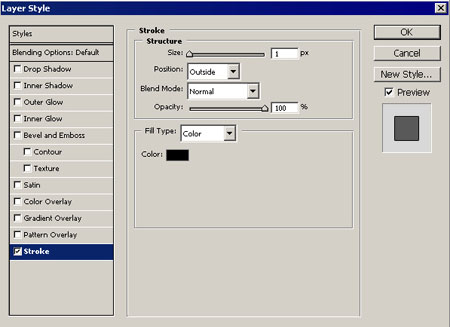
Use the instrument  to draw a girl’s silhouette with the outline. It is possible to do by using Blending Options function. Set everything out like in the picture.
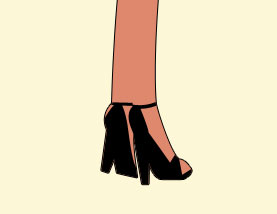
The same instrument will help to draw the girl’s shoes.

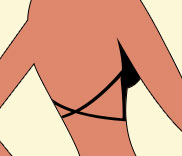
Then the top and its lace.
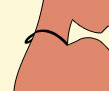
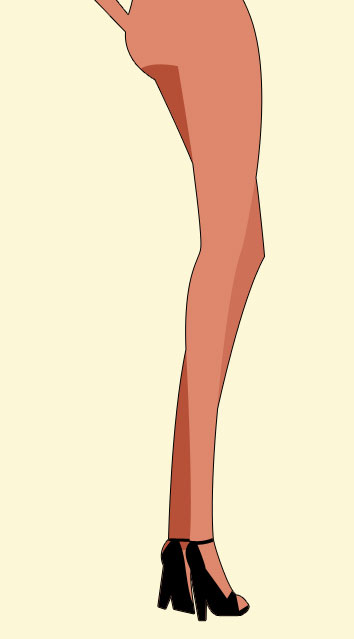
Do the shadows on her feet with the same instrument The color code is b54f36.

Hide these backgrounds in the mask by clicking on the combination of buttons Alt + left mouse’s click on the background. Like in the picture.
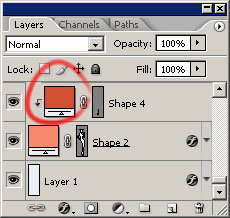
One more shadow. The color code is ce7057. Hide it also.
Draw the shorts ( ). The color code is 67a4c3. Hide it in the mask also.
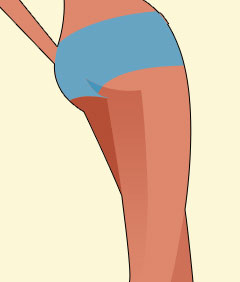
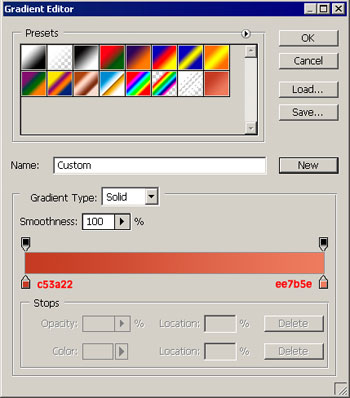
Draw another shadow, but this time with the gradient. It is indicated below how to do it.
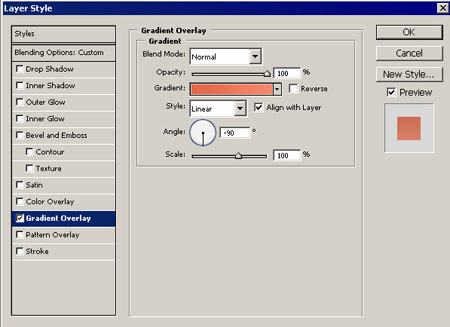
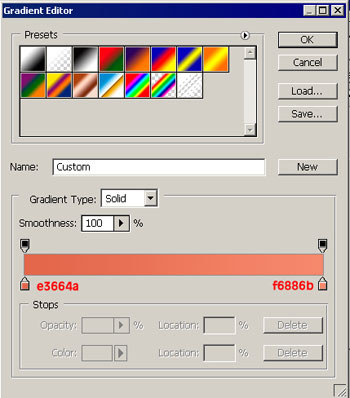
The triangle of our shadow which falls on the shorts should be painted on another background with . The color is the same with that of the shorts. This background should be hidden in the mask above the background with the shadow. Set the indicators like in the picture.
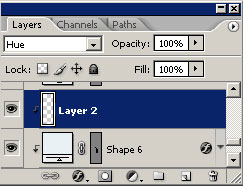
Take the same instrument and draw the belt for the shorts. The color code – 7f3417
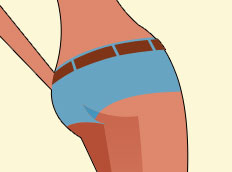
Create the shadow with the gradient on the arm. The parameters are indicated below. Hide the background in the mask.
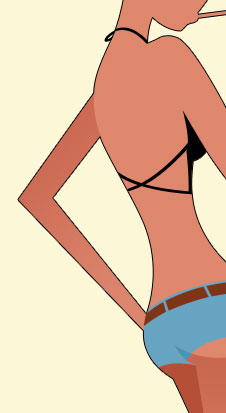
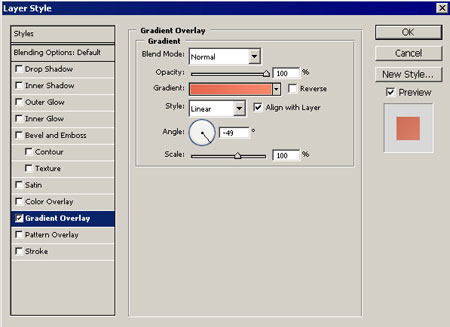
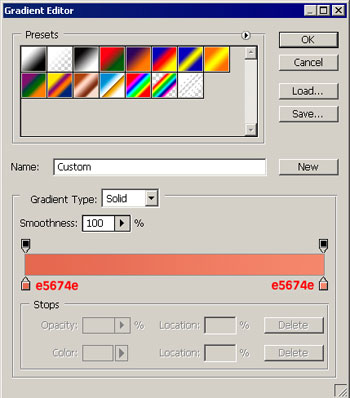
Use the color code fbc0b2 for the second arm. The hand’s gradient is the same of the left one. Hide it in the mask.
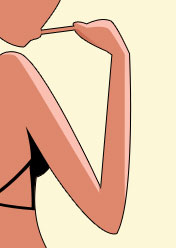
Draw the girl’s hair now, using the instrument . The color code is 461010. The background is hidden in the mask.
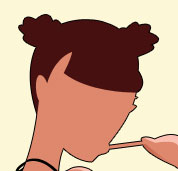
Draw the girl’s coiffure choosing the previous instrument. The color codes are indicated.
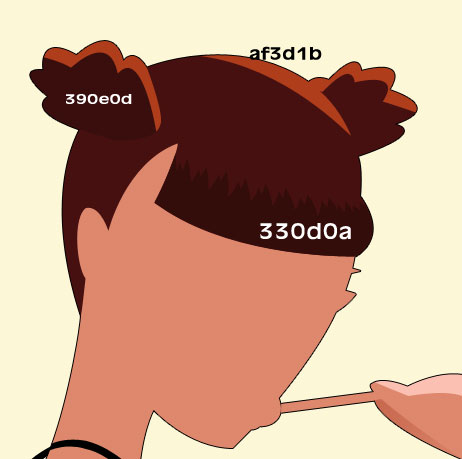
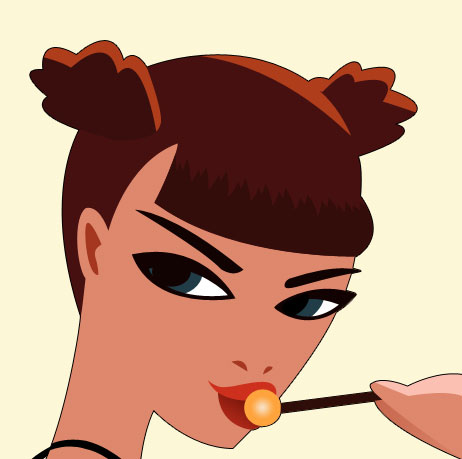
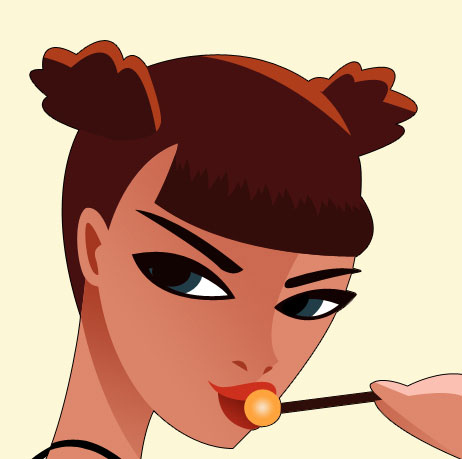
Pass to the girl’s face. The instrument will help us to draw all the elements. First stretch the eyebrows. Then – the ear and the nostrils. The color code is a4361f.
The eyes are possible to create by displaying the backgrounds ones above the others. The black color – for the eyes sections, white – for the eyes’ white. Blue- gray – for the cornea. The upper background is for the eyes’ pupils. The upper lip has the color cd301d; the lower is with the gradient, indicated in the picture.
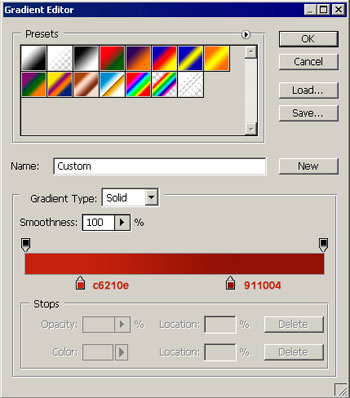
The candy is possible to draw with the instrument  and the stick
  . The candy has the gradients indicated below.
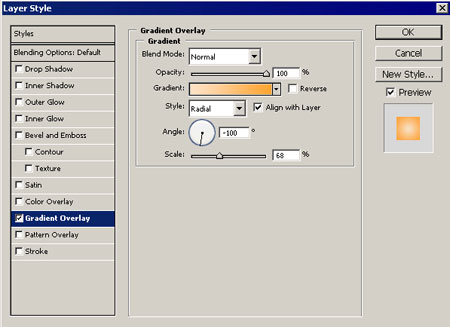
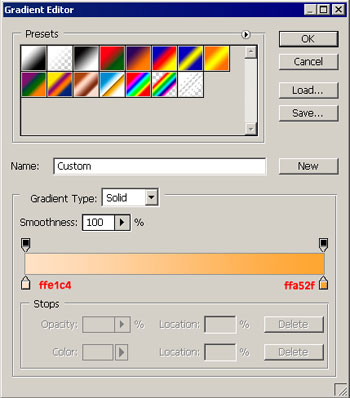
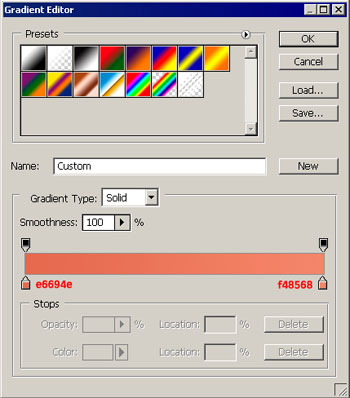
The shadow on the girl’s neck has the gradient form the picture. The background is hidden in the mask.
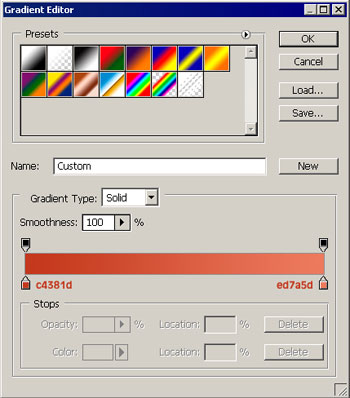
On the next picture are shown face’s gradients. Also hide them in the mask.
The next element is the line on the back. Do it with the instrument . The color code is c6624a.
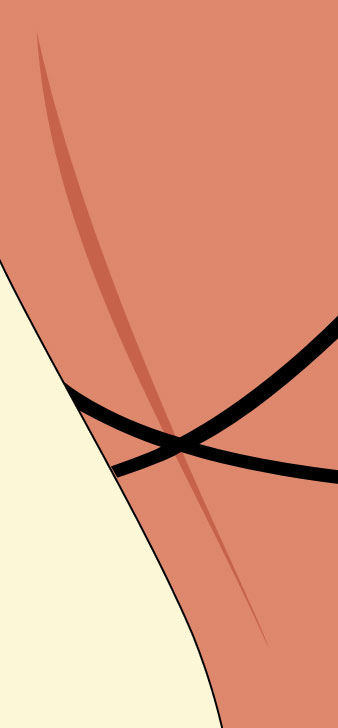
Draw the shadow under girl’s arm, choosing the previous instrument.
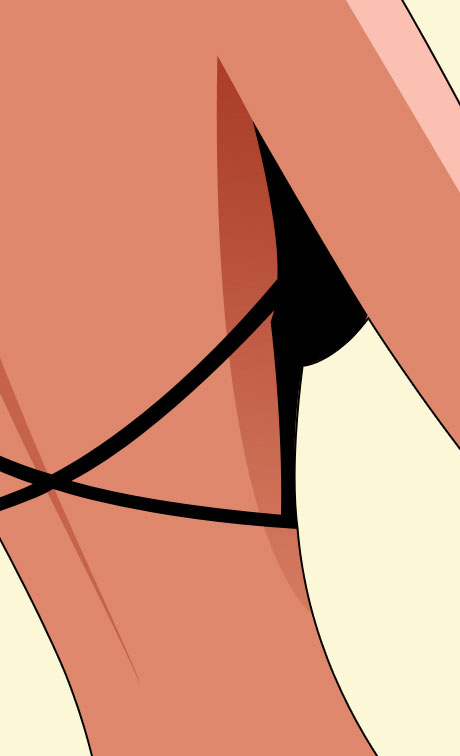
The gradient’s adjustment is shown below.
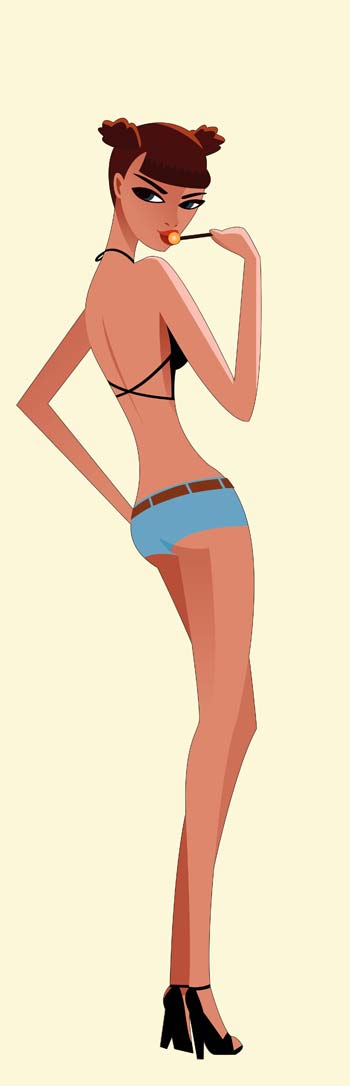
The final result.
Comments