
God of War – Text Effect
God of War – Text Effect
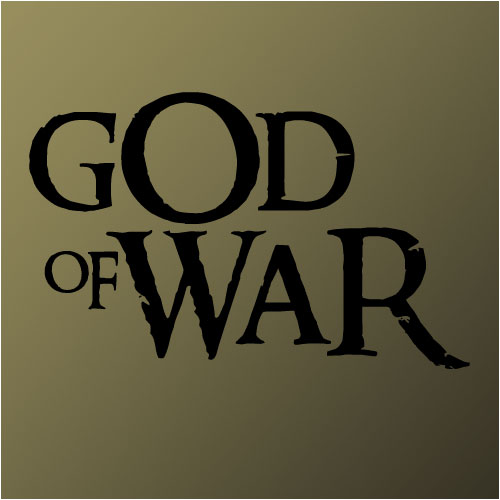
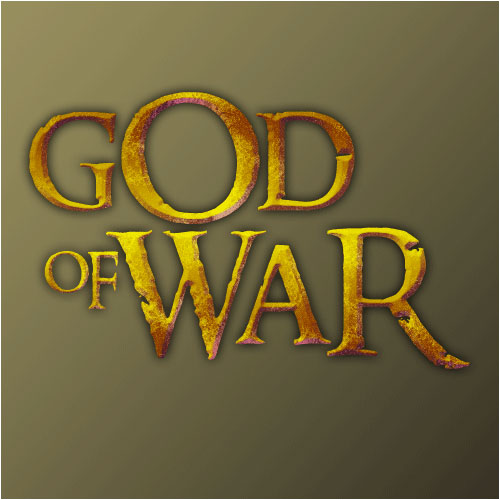
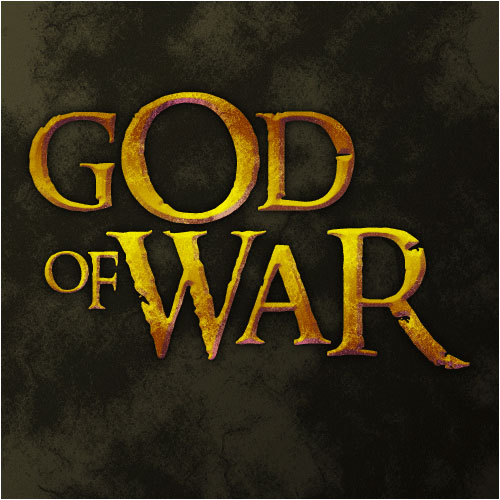
This tutorial teches you how to recreate the eroded text from the logo of the videogame God of War. Apart from this, it works great in grunge-websites!
Re-create the text from the logo of God of War!
-
Step 1 Open up a new image any size and create some black text with a font to your liking;
-
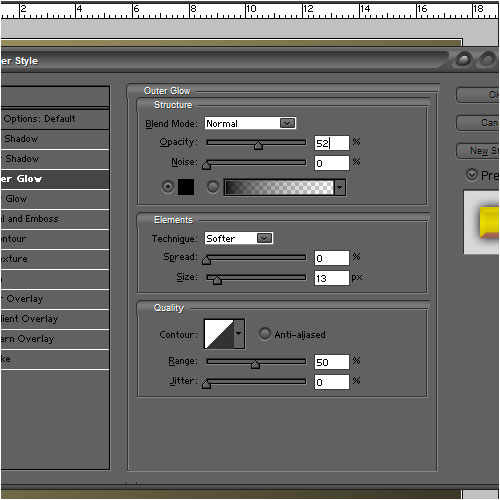
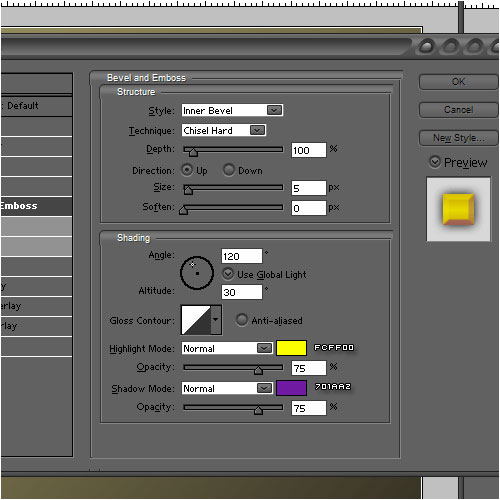
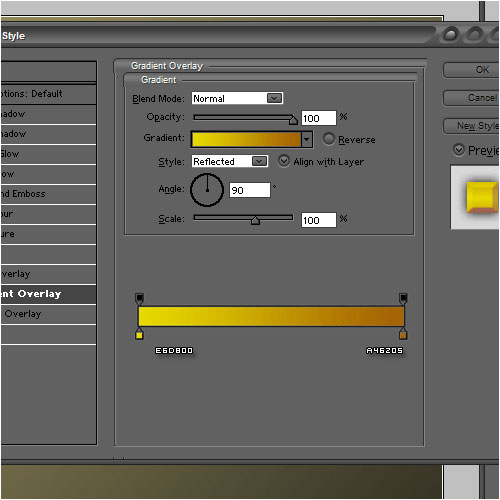
Step 2 Add these layer-styles to it;

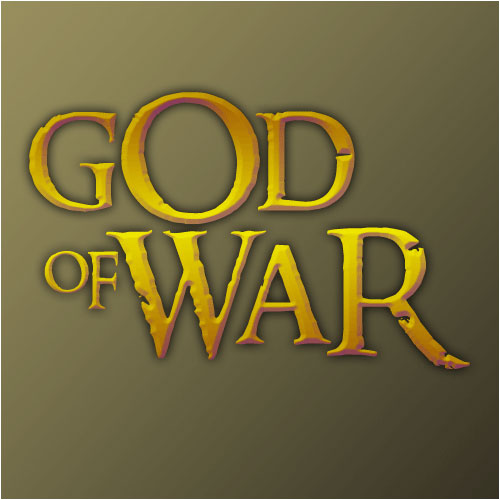
-
Step 3 Duplicate the text-layer, clear the layer-styles and press CTRL+I;
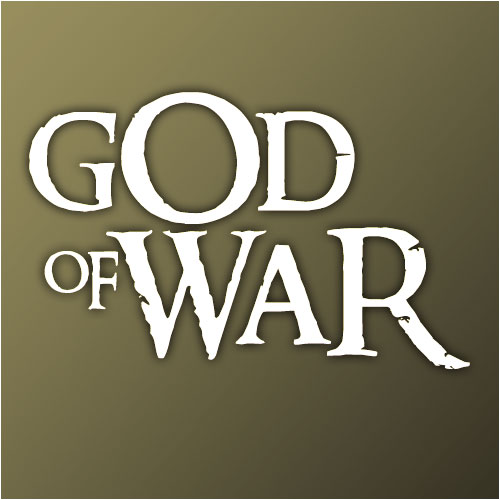
-
Step 4 Set the blending-mode to overlay;
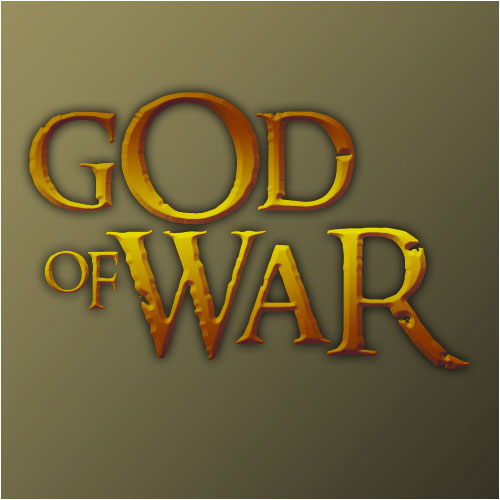
-
Step 5 Create a new layer above the white text and go to Filter>Renders>Clouds;
Go to Filter>Render>Difference Clouds and press CTRL+F several times (aprox. 6);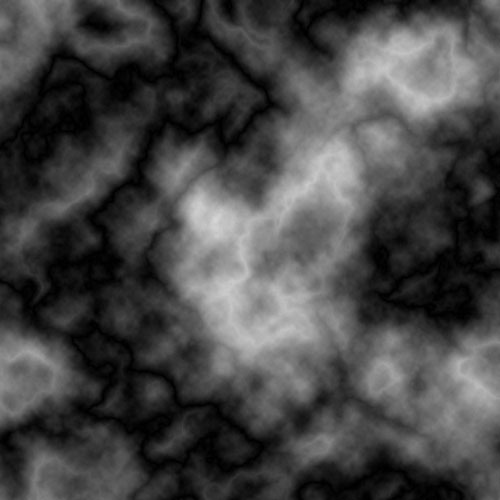
-
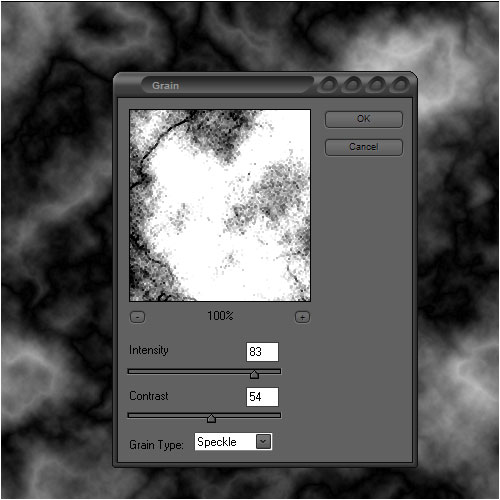
Step 6 Go to Filter>Texture>Grain and add these settings;
-
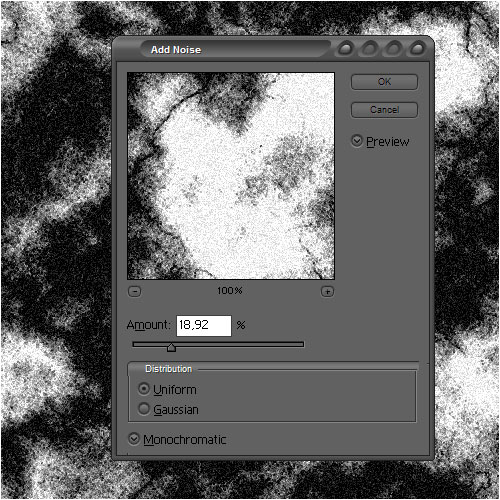
Step 7 Now go to Filter>Noise>Add Noise and add these settings;
-
Step 8 Change the blending-mode to overlay and select the text, press CTRL+I, then press delete on the noise layer!
Author : MICK MOOLHUIJSEN
HomePage : http://www.mickm.com
Comments