
Charlize Theron – Glossy Lips Effect
October 9, 2006 | 0 comments
Glossy Lips
A very easy tutorial to teach you how to get your lips all glossy like in those cheesy commercials! Maybe she’s born with it, maybe it’s MickM.com 😉
Ever wanted to have those glossy lips superstars have?
-
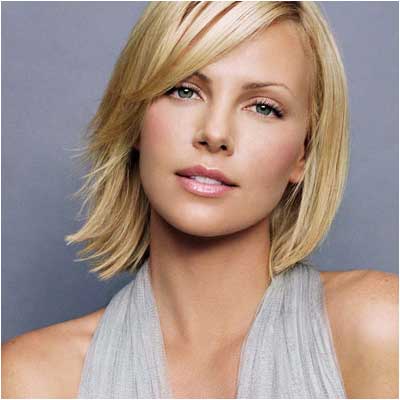
Step 1 Get out a picture of yourself or someone where you want to apply the effect to;
-
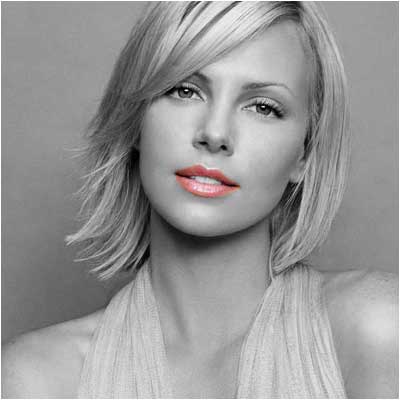
Step 2 Select the lips with a desired tool and press CTRL+C and CTRL+V;

-
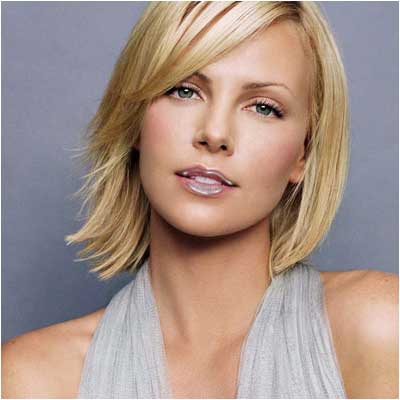
Step 3 Go to Filter>Artistic>Plastic Wrap and set it to the desired settings;
-
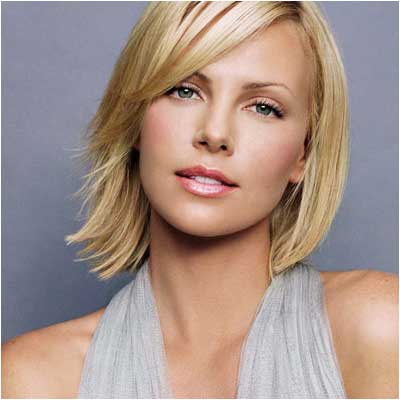
Step 4 Depending on the lips, set it either to overlay or to screen or lighten, but also lower the opacity:
Author : MICK MOOLHUIJSEN
HomePage : http://www.mickm.com
Comments