
Professional Web Layout for Photographer Site
October 19, 2006 | 0 comments
Create a new file with 766×629 px and 72 dpi. Paint it with the color 52513f with the following instrument  . Set everything out like it is done in the picture (Blending options).
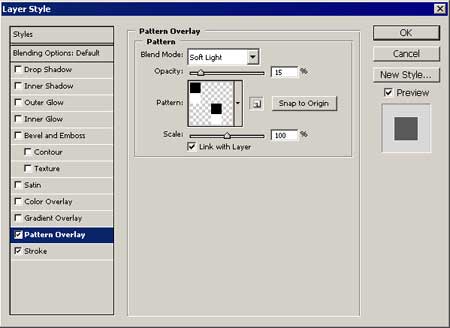
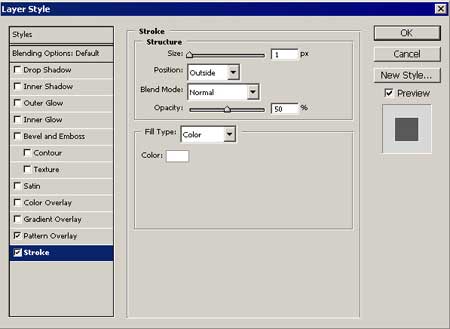
Use the instrument  and make a rectangle, like in the next picture. The color code is 5d5c4b.
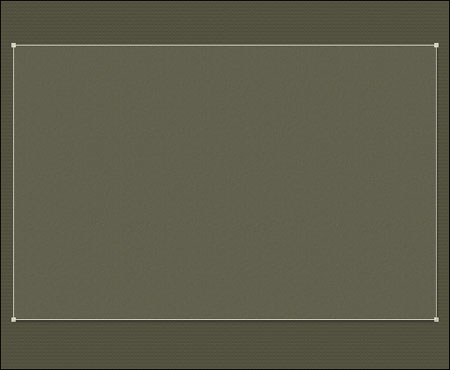
The parameters (Blending Options) are indicated below:

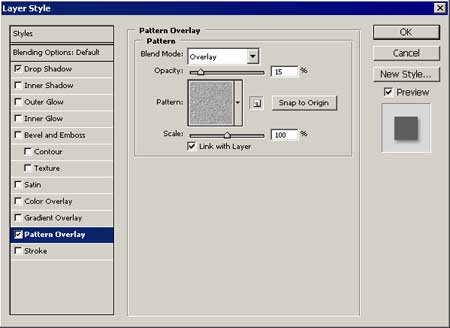
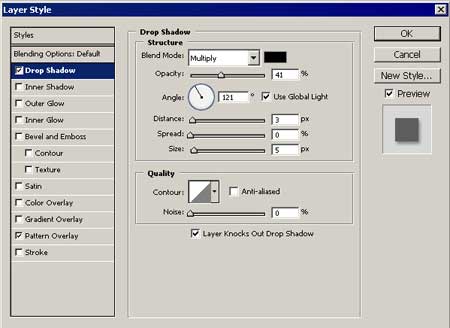
Then one more rectangle with the color 454435 and parameters form the picture.
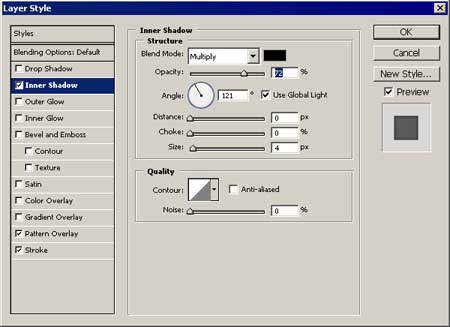
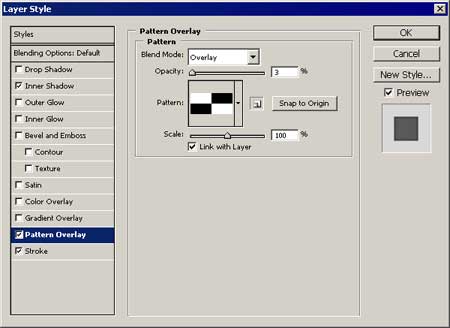
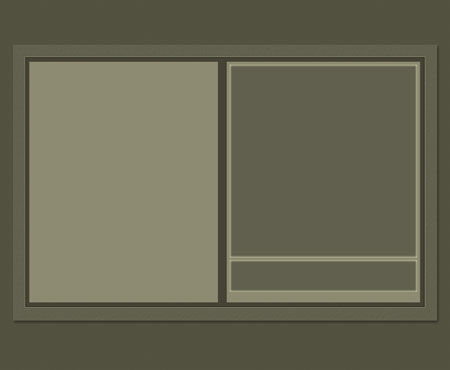
Take the instrument  and make two windows, like it is shown in the picture. Paint them with the instrument . The color should be 8d8b72.
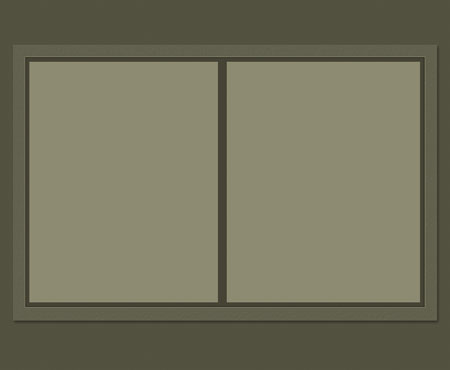
Continue using the same instrument and make one more rectangle with the color code 61604e and parameters (Blending Options) indicated below .
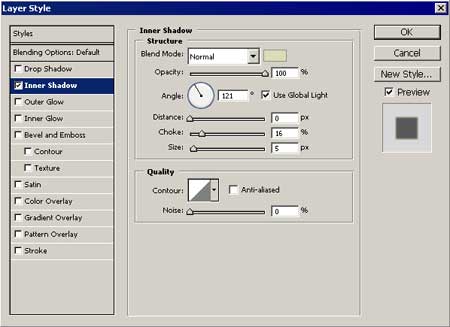
And one more rectangle with the same parameters.
Comments