
Professional Header for Business Company
October 22, 2006 | 0 comments
Create new file with 750×750 and 72 dpi. Paint it with the color 4A4A4A

Use the instrument  to represent a square with the parameters below. Place it like in the picture.

Blending Options-Gradient Overlay
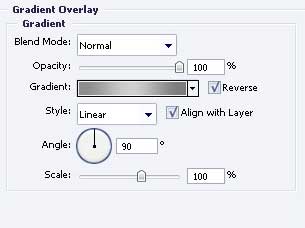

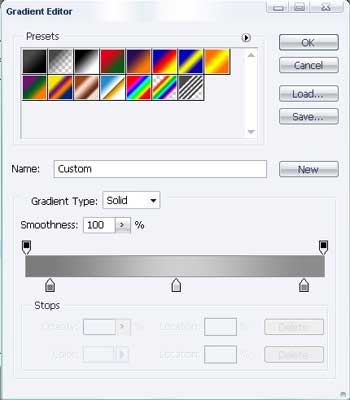
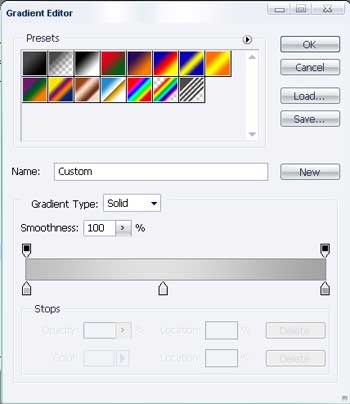
Gradient’s parameters
Use the same instrument to create a white color square inside the previous one.

Take the same instrument and picture a square with the color 666666 inside the recently created one.

And one more with the same instrument and indicated parameters below

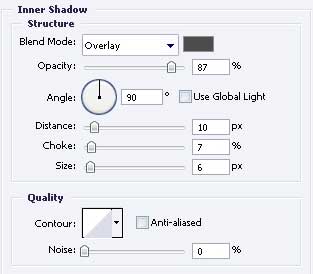
Blending Options-Inner Shadow
Blending Options-Gradient Overlay
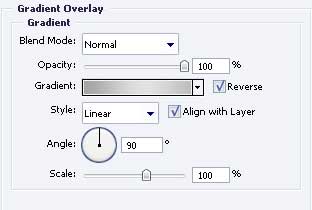
Gradient’s parameters
Comments