
Tattoo Composition
October 28, 2006 | 0 comments
Create a new file with 1677×840 px and 72 dpi. Use the instrument  to paint in black the layer’s background. Make the center of it lighter, using the instrument
  .
.

Make a new layer of white color, disconnecting temporarily the previous layer.

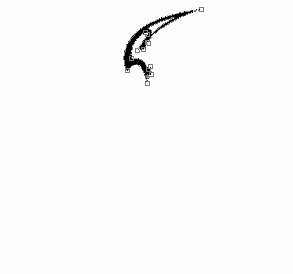
Use the next instrument  to draw a pattern’s part, like the next picture.

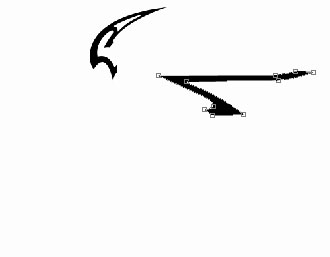
Use the same instrument to represent another pattern’s part.
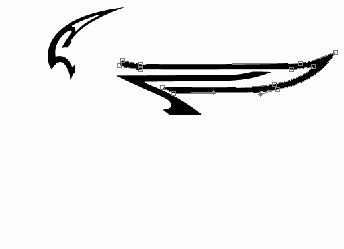
The same instrument and the next picture.
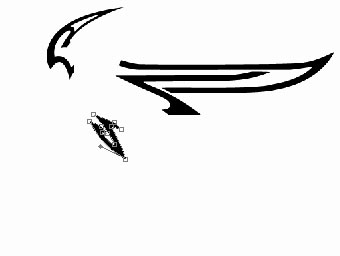
Use the same instrument to represent another pattern’s part.
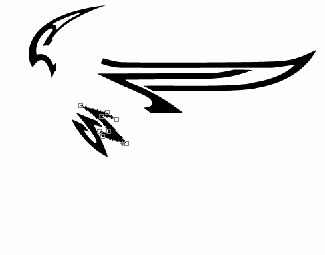
Represent another pattern’s part:
Page: 1 2
Comments