
Shoot at a target drawing
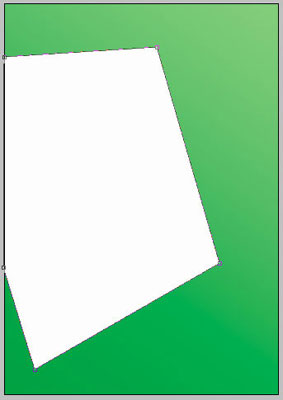
Create a new file with 496x709px and 72 dpi. Use the color 00AC4E and the instrument  , like in the picture.

Take another instrument  to represent a figure of white color, like in the next picture.
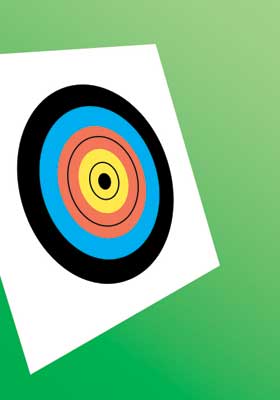
Take the instrument  to represent a circle of black color like in the picture.


Take the previous instrument to create a circle with the color 00ADEF, like in the picture below.

Take the same instrument to draw a circle with the color F37658, like in the next picture.

The same instrument, but a new figure – a circle with the color FFEA4C, like in the picture below.

The instrument will be helpful in representing a circle of black color like in the picture below.

The circle of white color will be drawn by the same instrument. It must have the same parameters below.

Fill 0% on the layers
Blending Options-Stroke
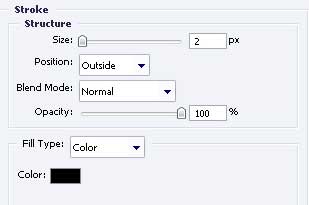
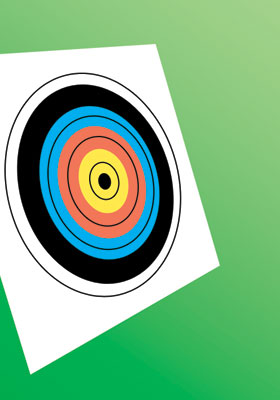
The old instrument is helpful in representing the circles consecutive. The same Blending Options – Stroke. Fill 0% also on the layers (on each layer with the shown circles below).

Comments