
Web Layout for Italian Restaurant
Create a new file of black color with 780х800px and 72dpi.

Take the instrument  to draw a rectangle with the color 282828, like in the next picture.

Use the next tool  to paint it vertically in white with blurred edges, like in the next picture. Opacity – 40%.


On a new layer. Use the instrument to mark a part on our rectangle. Use a brush of black color and dark out the left side, like it is demonstrated in the picture.
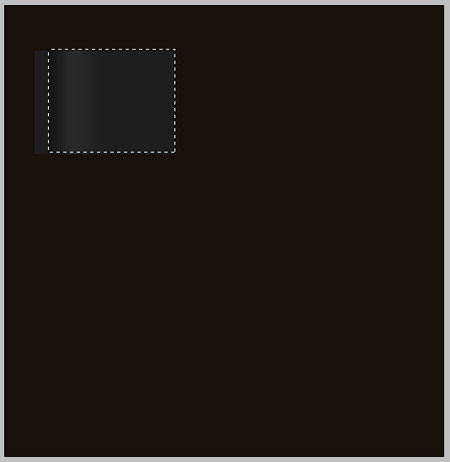
On a new layer also. Use a gain the same instrument , mark the necessary part to paint it in 3E3E3E, like in the next image.
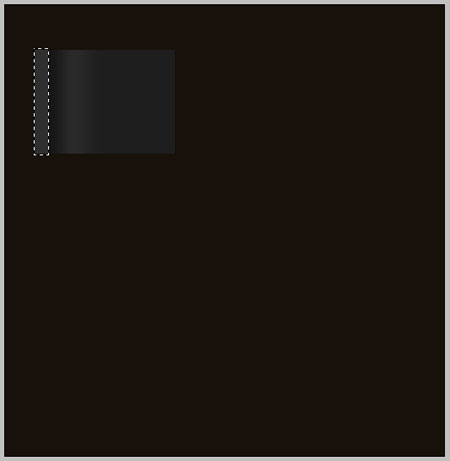
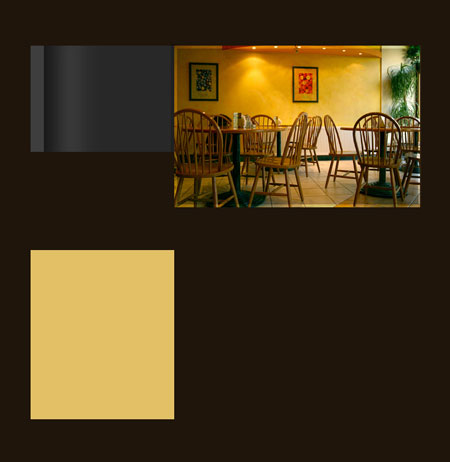
Take a photo that has the appropriate sizes and place it out like in the next picture.
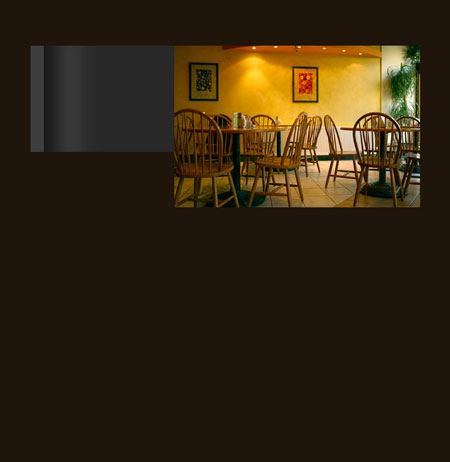
On a new layer. Use the instrument to mark out the part that is necessary and paint it in black. The opacity must be 30%.
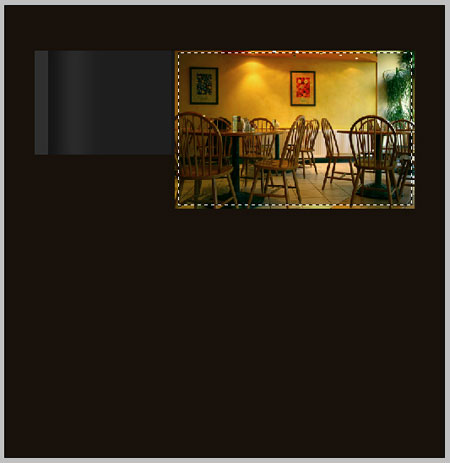
Use another instrument  to represent a rectangle, having the color E2C066 and place it like in the next picture.
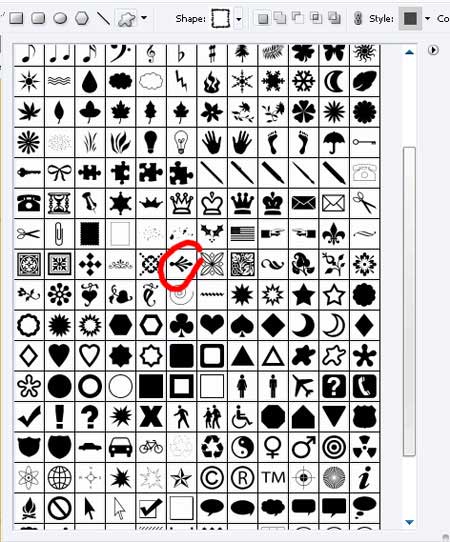
Take another instrument  to choose the corresponding cliché, like in the next picture.
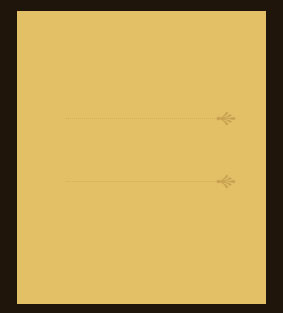
Choose the color C9A152 and the points of the same color with the text points. Place everything out like it is done in the image below.
Comments