Categories

Partners
 
  • Photoshop Templates

  • Website Templates

  • Web Templates

  • Flash Web Sites

  • WordPress Templates

  • Free Ringtones

  • Free Stock Photos and Images

  • Photoshop

  • St. Louis LASIK | LASIK info

  • Load Cells

  • osCommerce Templates

  • Web Hosting


  • Website Templates
    Search


    Advanced Search


     »  Home  »  Adobe Photoshop  »  Designing  »  Splash My Heart Wallpaper
    Splash My Heart Wallpaper
    Published  11/1/2006 | Designing
       
    Splash My Heart Wallpaper - part 1


    Make a new file with 16890x1050 px and 72 dpi, Paint it B5F000.

    Create Professional Wallpaper in Photoshop CS

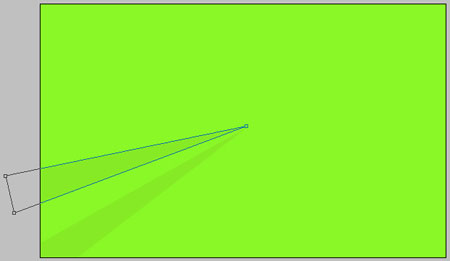
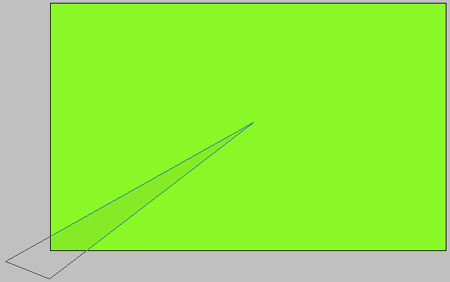
    Take the instrument and picture a figure with the indicated parameters below. The color must be B1E600.
    Create Professional Wallpaper in Photoshop CS

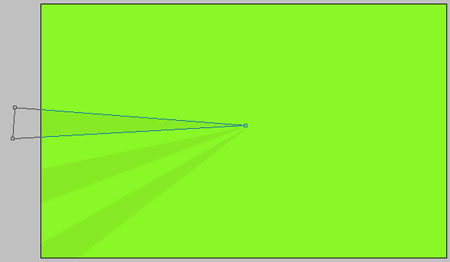
    One more figure with the same color.

    Create Professional Wallpaper in Photoshop CS

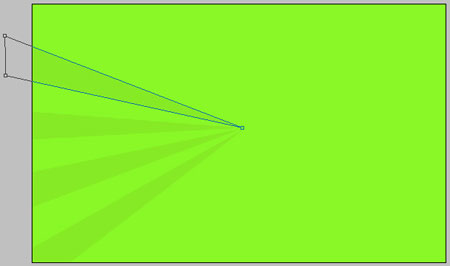
    And one more. The same color.

    Create Professional Wallpaper in Photoshop CS

    The same way and the same figure.

    Create Professional Wallpaper in Photoshop CS

    The same instrument use to picture one more figure with the indicated color.
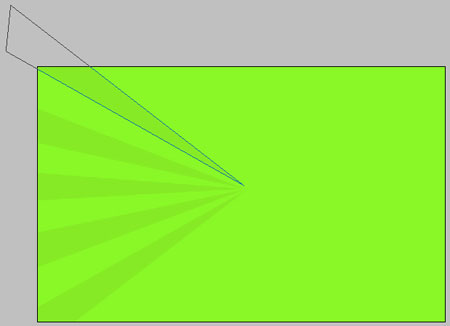
    Create Professional Wallpaper in Photoshop CS

    Choose the next instrument to represent the others, like in the next picture.

    Create Professional Wallpaper in Photoshop CS

    Take a brush with unclear edges, the color – B5F000 and paint a little the upper part of the picture.

    Create Professional Wallpaper in Photoshop CS

    Take a brush of white color with legible edges and picture several patches like in the next representation.

    Create Professional Wallpaper in Photoshop CS

    Continue. Take a brush of white color with the same clear edges and create several other patches, like in the picture below:

    Create Professional Wallpaper in Photoshop CS

    Create Professional Wallpaper in Photoshop CS Splash My Heart Wallpaper
    Enjoy a colorful wallpaper. This tutorial also includes examples on making spalshes


    PSDTUTS+ Photoshop Tutorials and More