
Splash My Heart Wallpaper
Make a new file with 16890×1050 px and 72 dpi, Paint it B5F000.

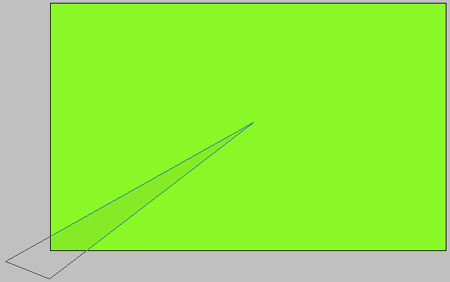
Take the instrument  and picture a figure with the indicated parameters below. The color must be B1E600.
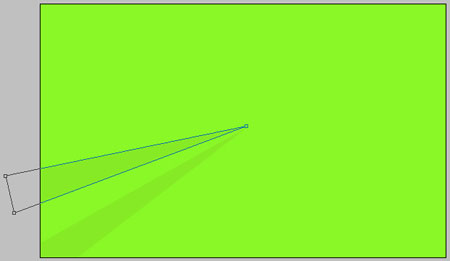
One more figure with the same color.

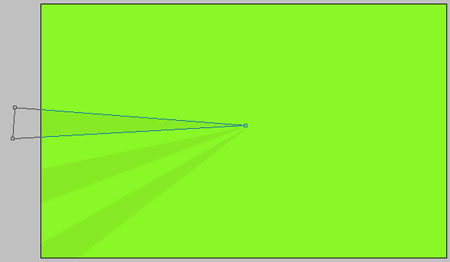
And one more. The same color.
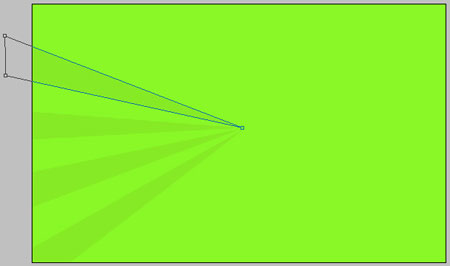
The same way and the same figure.
The same instrument use to picture one more figure with the indicated color.
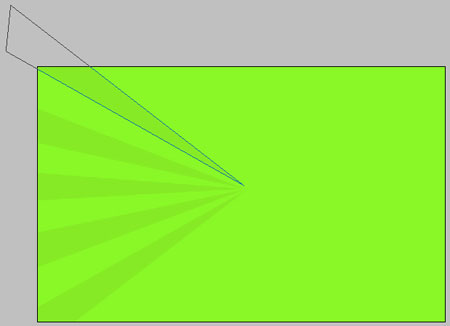
Choose the next instrument to represent the others, like in the next picture.

Take a brush with unclear edges, the color – B5F000 and paint a little the upper part of the picture.

Take a brush of white color with legible edges and picture several patches like in the next representation.

Continue. Take a brush of white color with the same clear edges and create several other patches, like in the picture below:

Comments