
Soccer Ball on Fire
Create a new file with 300×212 px and 300 dpi. Paint it in white.

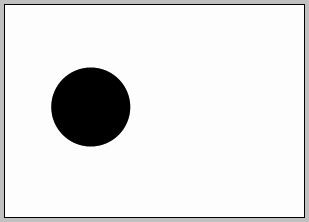
Use the following instrument  to represent a circle of black color.
Use the same instrument to picture one more circle with the indicated parameters below.
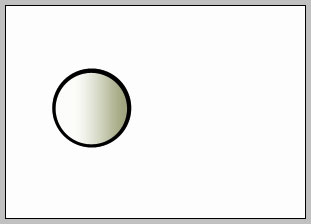

Blending Options-Gradient Overlay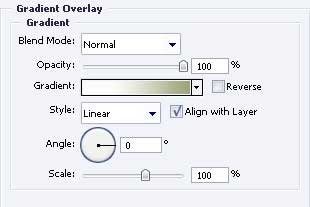
Gradient’s parameters.
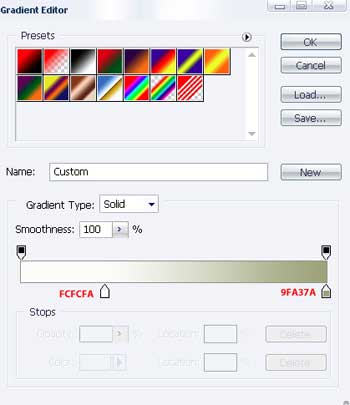
Make use of the next instrument  to picture a figure of black color also and place everything out the way it is done in the picture below.
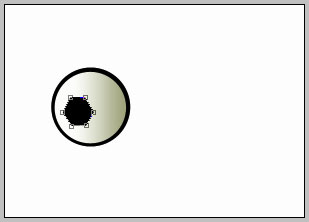
Take the previous instrument to picture another figure of black color and place it out like in the image below.
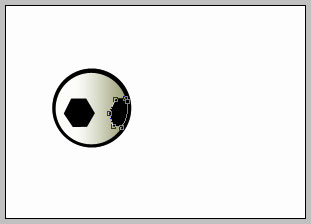
And one more
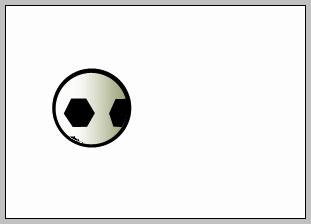
One more of the same color.
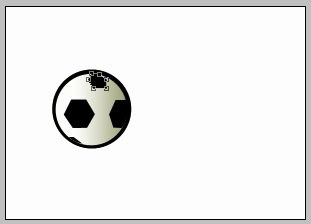
Add the same way several other figures and place out the same way it is done below.
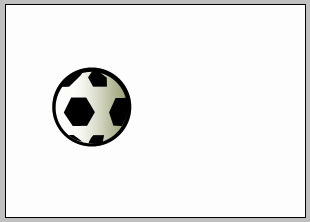
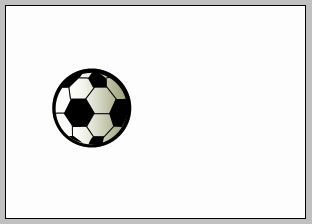
Take the next instrument  and represent several stripes of black color also. Place them out like in the next image.
Page: 1 2
Comments