
Crossroad Illustration
November 7, 2006 | 0 comments
Create a new file with 450×450 px and 300 dpi of white color.

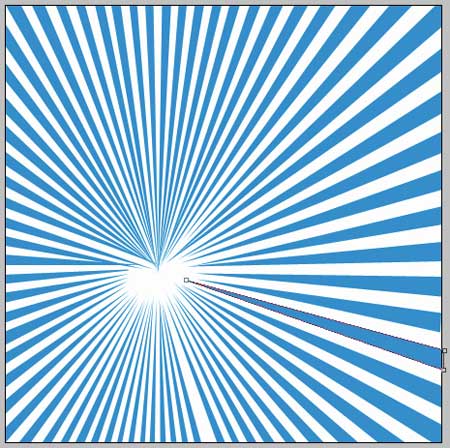
Take the instrument  and represent triangles of the same color – 2CA6D7 and place them exactly the same way from below.
Take the next instrument  to gradient with the color 97DCFA. Fill 77% on the layers. The gradient’s direction must be from left to the right side.
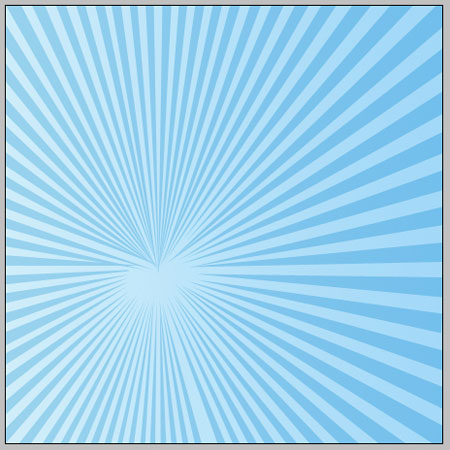

Take the following instrument  and represent a circle of the next parameters.

Blending Options-Gradient Overlay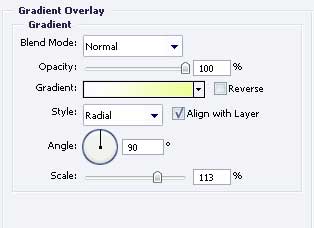
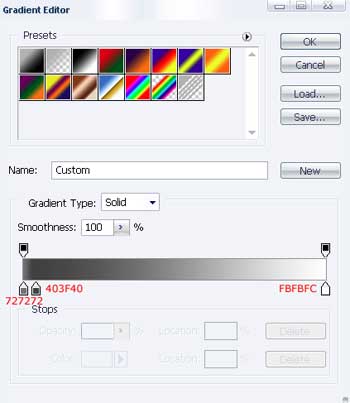
Gradient’s parameters. 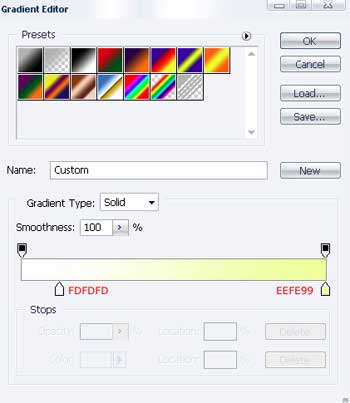
Take the next instrument to draw a figure that would have the next sizes.
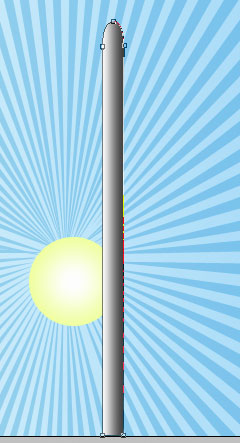
Blending Options-Gradient Overlay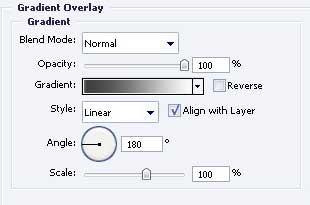
Gradient’s parameters.
Use the previous instrument to picture one more figure with the parameters form the next image.
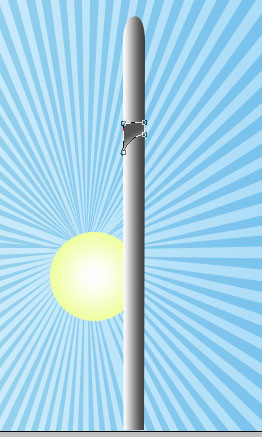
Blending Options-Gradient Overlay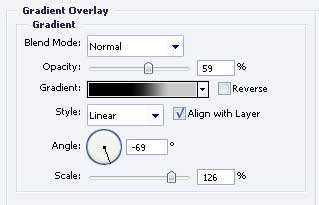
Comments