
Illustrated City
Create a new file that would have 450×367 px and 300 dpi. Paint it in this color – A9DEEC.

Take the next instrument  to picture a circle of the indicated color – 8CD3E5.
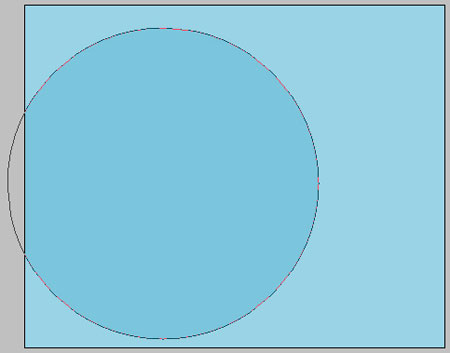
Using the same instrument, represent a circle of white color, like in the next picture.
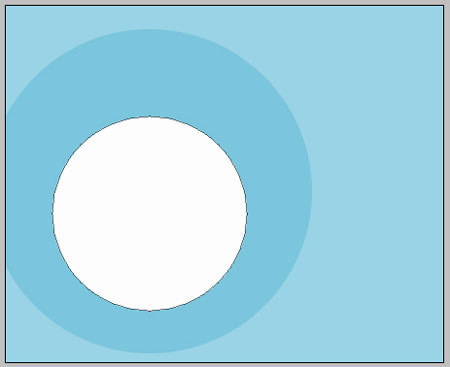

Take the following instrument to picture another circle with the same sizes from below.
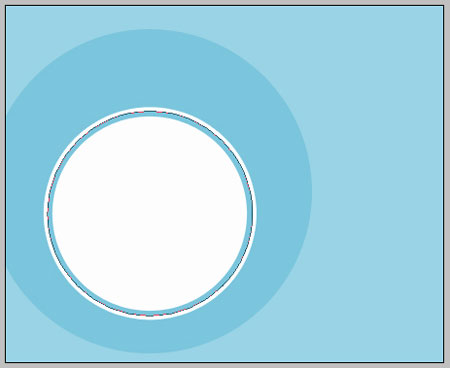
Fill 0% on the layers.
Blending Options-Stroke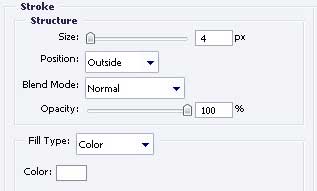
Take the previous instrument to represent one more circle with the same sizes from the next image.
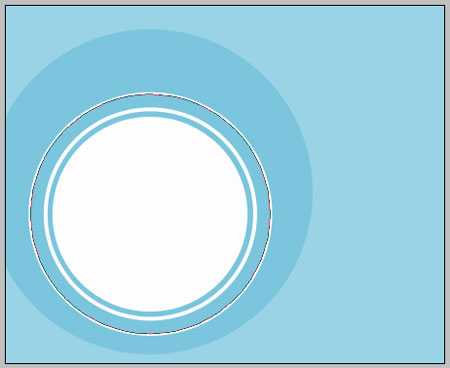
Fill 0% on the layers.
Blending Options-Stroke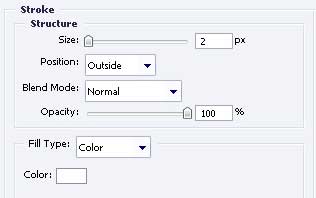
Take the next tool to draw a circle with FE9900.

Using the next instrument  , make a new figure with the next color – 72777A.
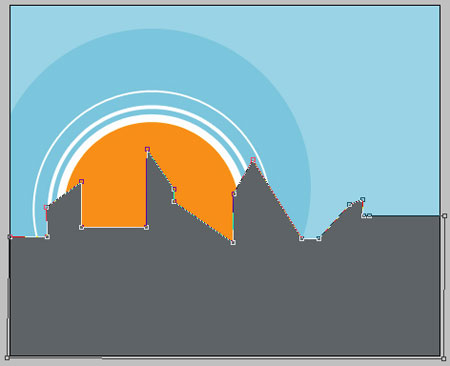
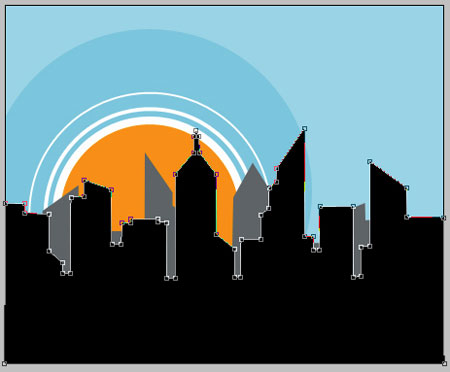
Applying the previous instrument, picture another figure of black color this time, like the next one.
Comments