
Christmas color conceptual graphic
Create a new file that would have 840×571 px and 72 dpi.
Take the following instrument  and paint the new made layer with the color 39478C.
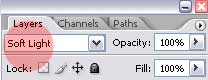
Get the next instrument  and represent a figure like the next picture shows it with the color 3F4F9D and Blending mode – Soft Light.
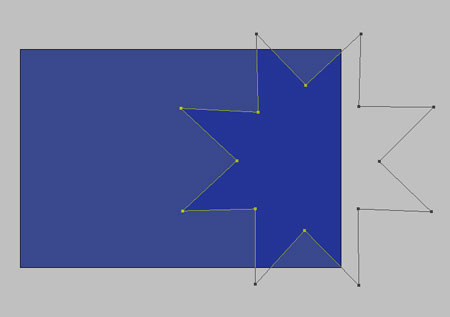
Copy the made picture and apply Free Transform selection to enlarge it and turn it around, like next image demonstrates it.
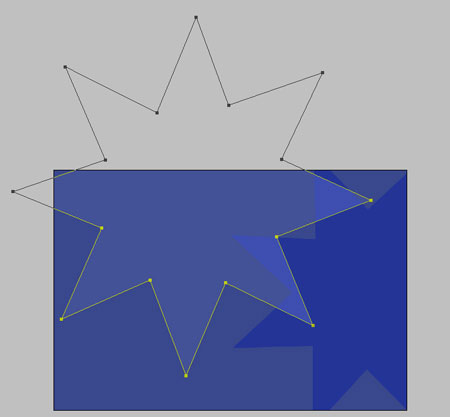
Change the Blending mode.

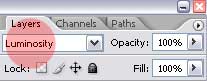
Make another copy of this figure with the color’s code 1121D6

Apply the same instrument to picture a knoll of white color, like in the next image.
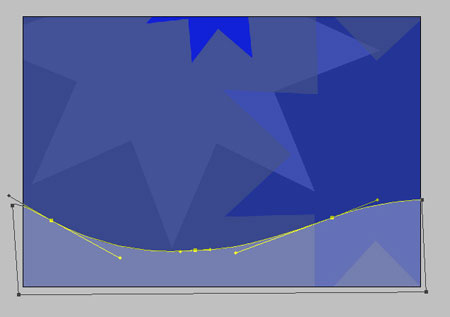
Fill 30% on the layers’ window.
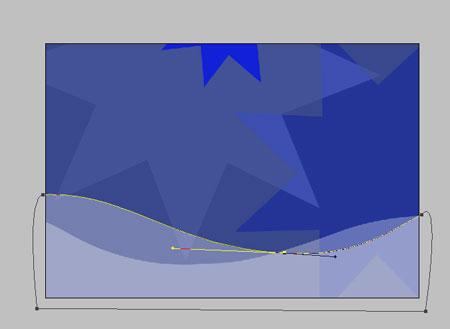
Make another knoll with the same parameters of the previous one.
Using the last instrument represent a schematic fir-tree, like it is shown in the following picture.
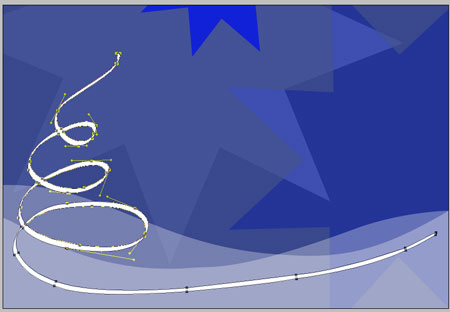
On the fir-tree top, put on the same figure we’ve represented at the beginning.

Pass to representing finally the fir–tree balls, applying this instrument  . Picture also several figures we’ve put on the tree’s top.

The final result!
Comments