
Abstract winter design
November 26, 2006 | 0 comments
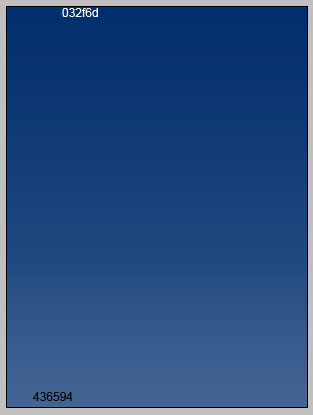
Create a new file with 600×800 px and 72 dpi. Apply the shown instrument  to represent the background (the colors’ codes are indicated)
Take the shown tool  to picture a figure with the next sizes.
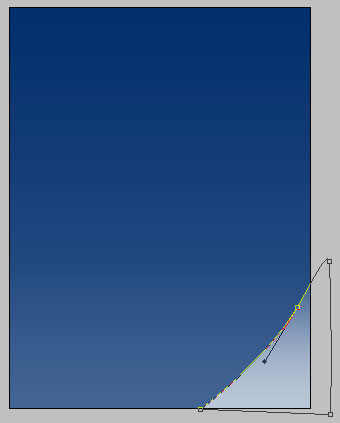
Fill 0% on the layers.
Blending Options-Gradient Overlay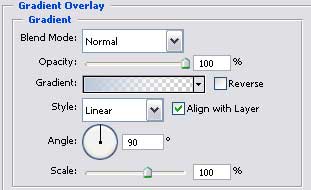
Gradient’s parameters.

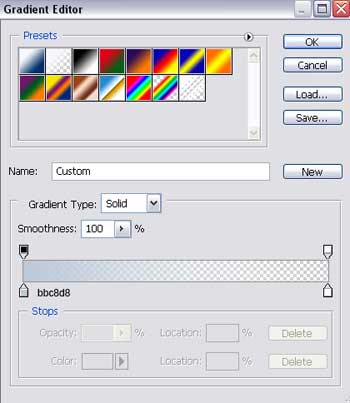
Take the same instrument to make one more figure with the demonstrated parameters next step.
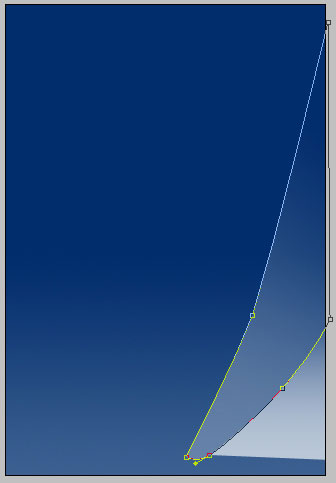
Fill 0% on the layers, the Opacity must be of 42%.
Blending Options-Gradient Overlay
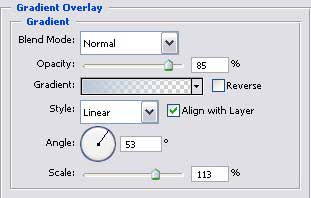
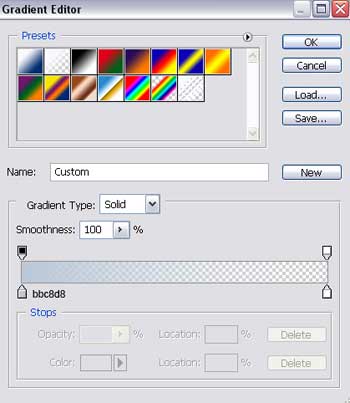
Gradient’s parameters.
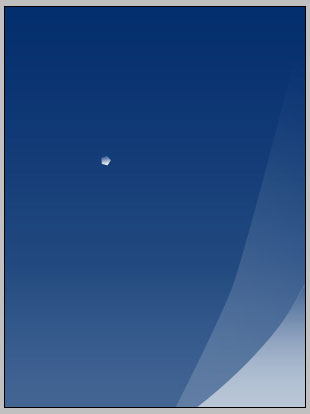
Choose another instrument now  to represent a figure like the next one, with the same sizes.

Comments