
Stylized Christmas Tree Design
Learn how to create your own stylized Christmas tree postcard with these tutorial using Photoshop techniques.
Final Image Preview

Open a new file with 450×320 px and 300 dpi. Paint it with the following color #900000.

Having the next instrument  , insert a figure with the shown parameters next image.
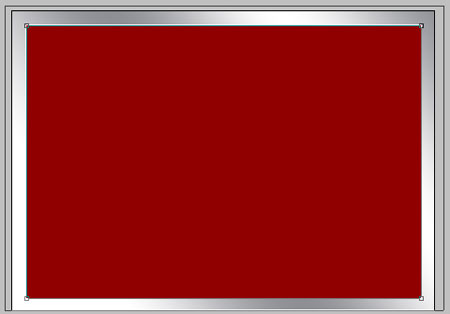
Blending Options-Gradient Overlay
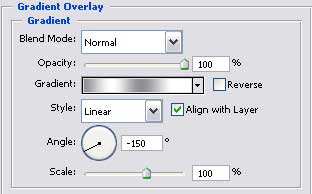

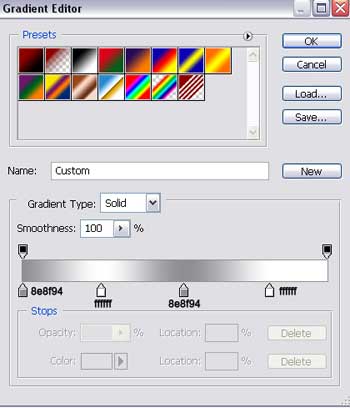
Gradient’s parameters.
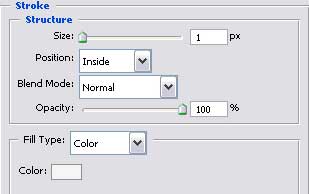
Blending Options-Stroke
Take now the instrument  and picture a figure colored in E0BC41 and the sizes from below.
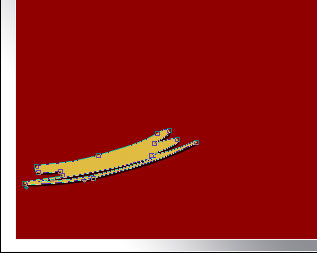
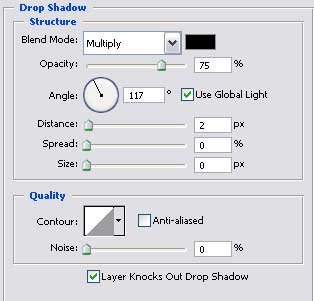
Blending Options-Drop Shadow
Taking the same instrument and the same color, it’s possible to represent another figure with the following sizes.

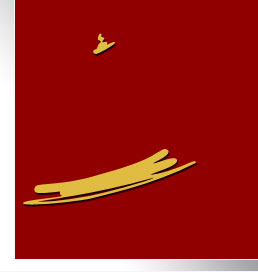
Blending Options-Drop Shadow
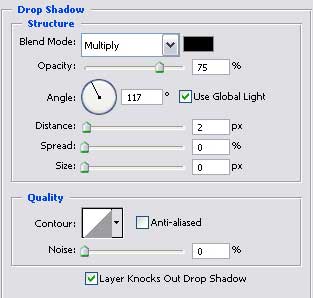 The previous instrument may be helpful in representing another element which must be colored in the same color as we did with the last figure.
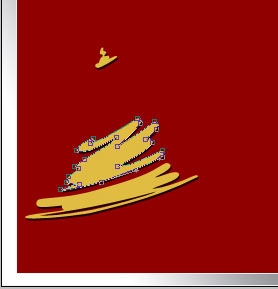
Blending Options-Drop Shadow
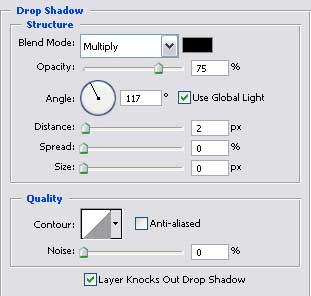
Take the same instrument and the same color to insert another figure with the indicated parameters next step.
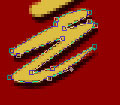

Blending Options-Drop Shadow
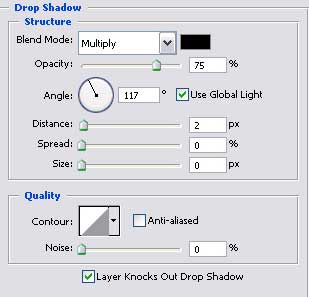
Use the next instrument to picture one more element of the previous color with the shown sizes next step.
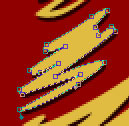

Blending Options-Drop Shadow
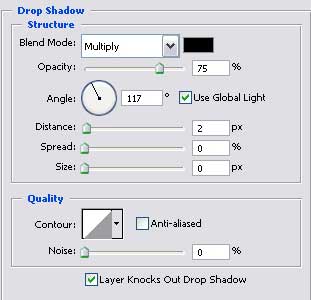
Make the same way several more figures of the same color and the same Blending Options-Drop Shadow

Apply the following tool to represent another element with the sizes from next step.

Page: 1 2
Comments