
Futuristic Digital Element
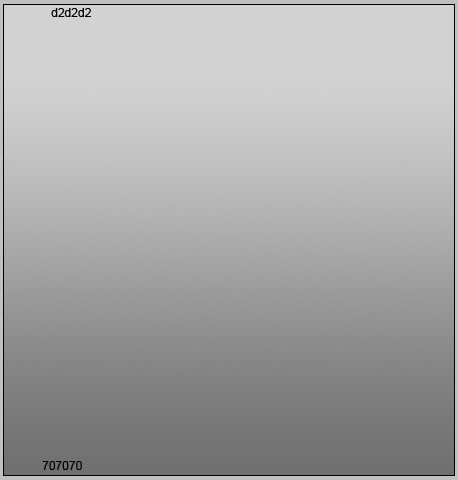
Open a new file with 450x470px and 300 dpi. Using the next instrument  , insert the background also (the colors’ codes are indicated).
Take the next tool  to mark out the same places like in the picture below. Apply the same sizes. After that choose the next tool
  , holding on the Alt button and create several openings, like in the next image.
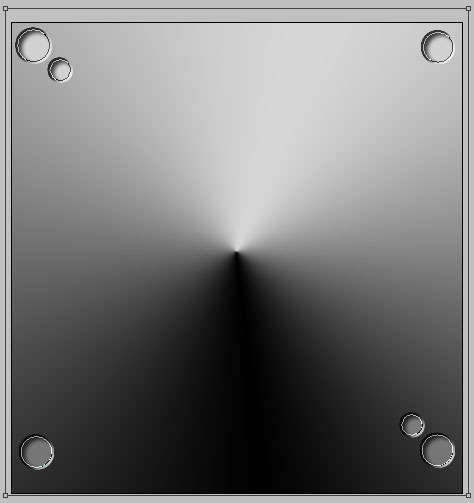
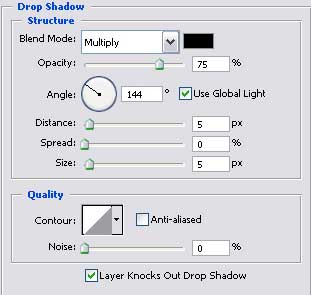
Blending Options-Drop Shadow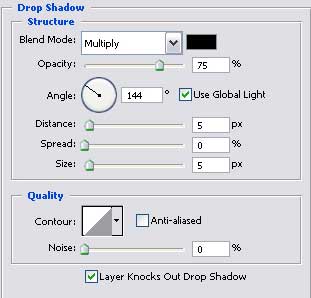
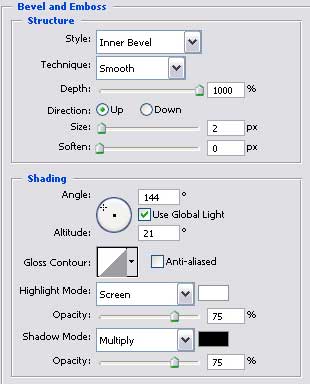
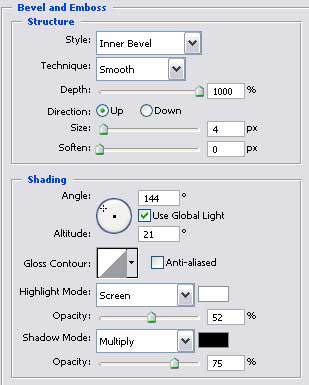
Blending Options-Bevel and Emboss

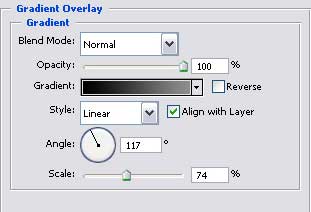
Blending Options-Gradient Overlay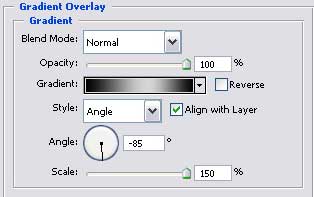
Gradient’s parameters. 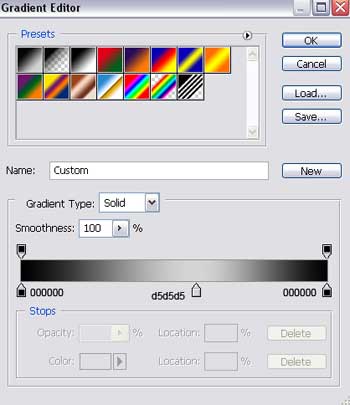
Take the following instrument to insert a circle that must have the sizes form the lower image. Then choose the same tool and keeping pressed the Alt button, picture an opening also, like it is demonstrated next step.

Blending Options-Drop Shadow
Blending Options-Bevel and Emboss
Blending Options-Gradient Overlay
Comments