
Company Layout
December 16, 2006 | 0 comments
Open a new file with 760×795 px and 72 dpi. Use the next instrument  to mark out the same region from below. The parameters you may see next step.
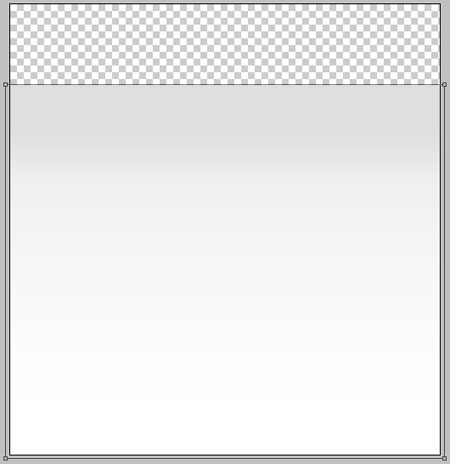
Blending Options-Gradient Overlay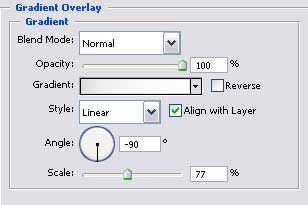
Gradient’s parameters: 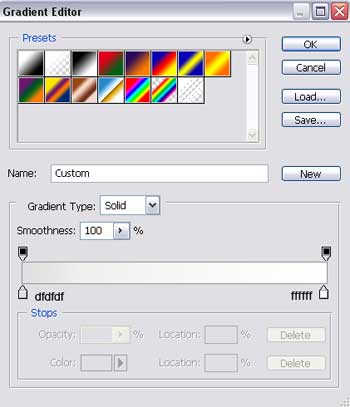
Take this instrument to create the lowest layer of the site to be with the sizes shown next picture.
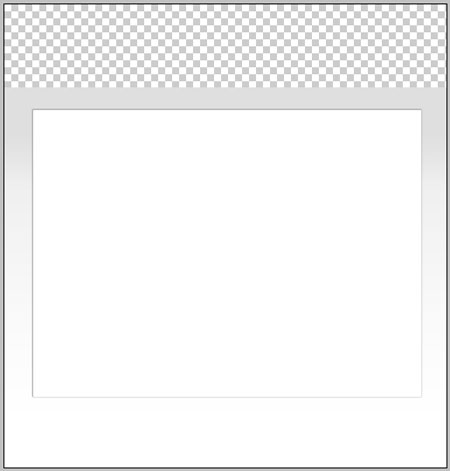

Blending Options-Outer Glow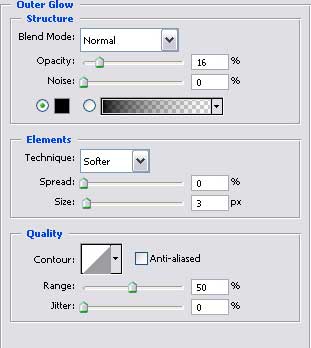
Blending Options-Stroke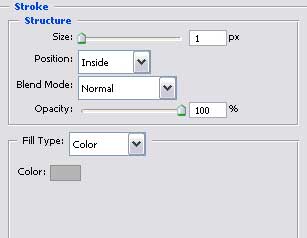
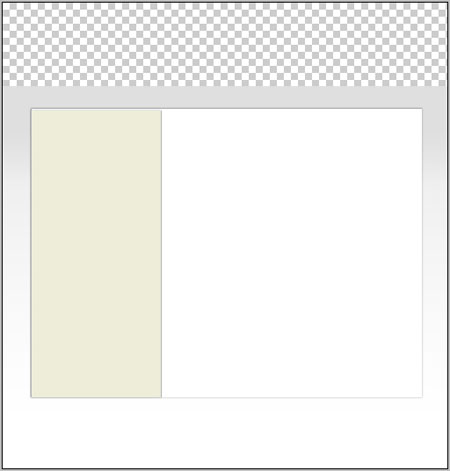
Using the same instrument represent the lateral panel colored in EDEDD9 with the parameters shown below.
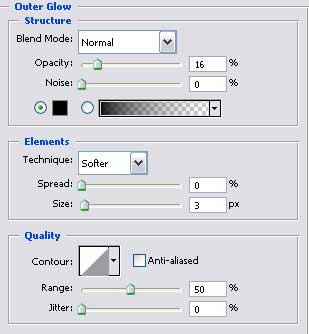
Blending Options-Outer Glow
Comments