
Stylish Business WebLayout
December 19, 2006 | 0 comments
First you should open a new file with 703×655 px and 72 dpi. Paint now the background with the next tool  . The color must be this one: 8C8C8C.

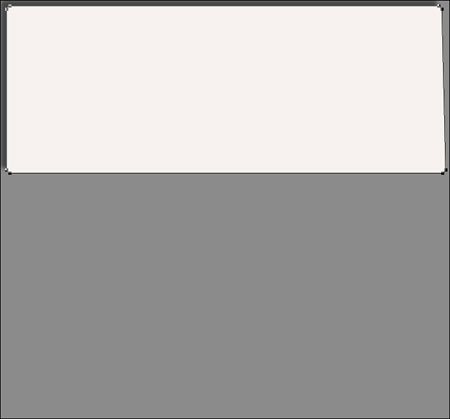
Get to create now the site’s header. It’s necessary to take this instrument  Radius- 5px. Create now an element colored in F7F5F3. The right lowest corner must be stretched out downwards along the diagonal with this instrument
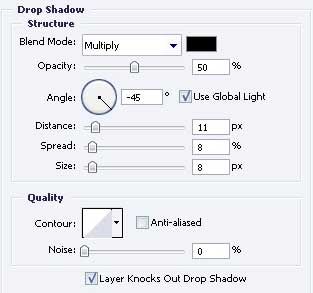
Set next adjustments in Blending Options.

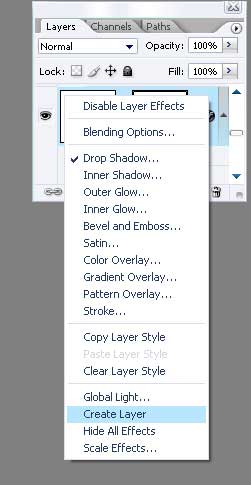
Use Create Layer option now by clicking on the right mouse’s button on the layers. After that, the shadow will come off from the basic layer and we’ll have a separate one.
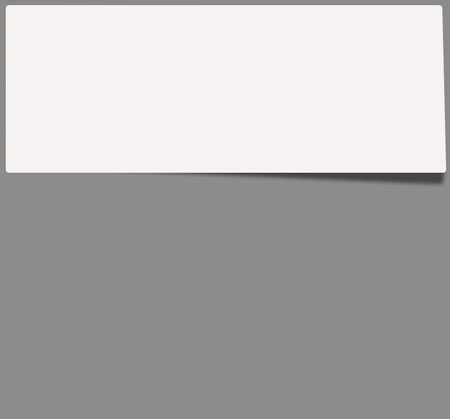
Move the shadow’s layer and turn it around with Free Transform option. The unnecessary bounds must be erased with the usual instrument  .
.
Comments