
Amercian football banner
This lesson I’ll tell you how to create a football’s match banner. But first create a new file with 420×128 px and 72 dpi. Choose after that the instrument  and paint it in the color 338B27.

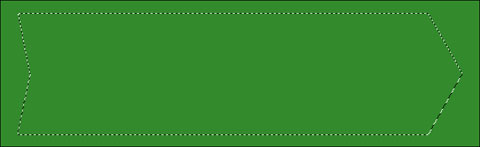
Then create a new layer and a marking having the pointer’s shape with the indicated tool  . Paint this marking in the color 2B7621 with the instrument
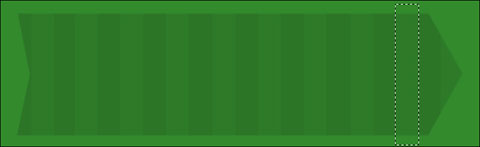
Choose next the instrument  and represent a marking stripe, then it should be moved on our pointer. Create several lighting stripes with the instrument
  and the Opacity of 30%.

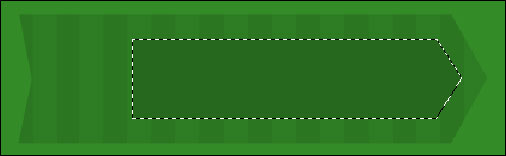
On the new layer must be represented a marking too, looking like a pointer. It’s possible to do that with the instrument . Paint this marking in 26681D with the shown tool .
Open a new file now with 4×4 and 72 dpi. Create a new layer on it and erase the background after that. Choose this instrument  to represent a diagonal stripe having the color code 2C6D23.

Go to Edit/Define pattern … and click Ok.
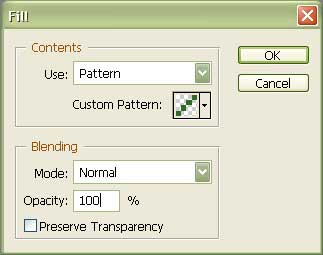
Get back to the file with the banner and choose Edit/Fill… Here you should choose the created stripe earlier.
Comments