
Gamers Zone Header
December 26, 2006 | 0 comments
Open a new file having 766×309 px and 72 dpi. It should be painted in 30333C.

On a new layer with 4×4 px, apply the next instrument  to represent the next element

. It has the color 7D808E.
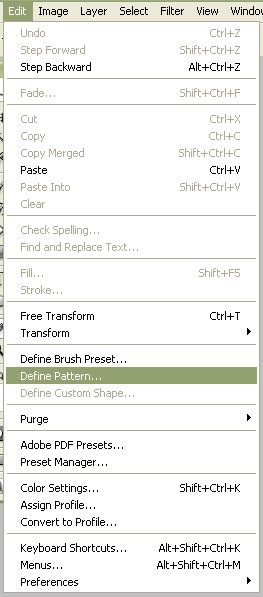

Save the cliché.
On the new layer with 766×309 px and 72 dpi, apply the next indications:
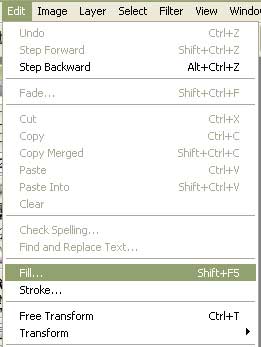
In the opened menu choose the saved earlier cliché.
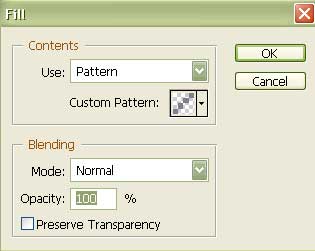

Fill 50% on the layers.
Using the shown instrument  , represent now the central part of the site’s header.
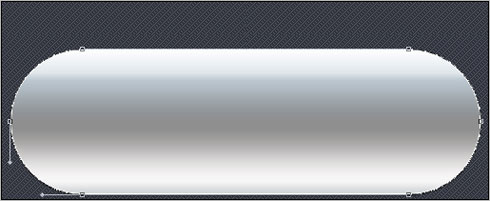
Fill 0% on the layers.
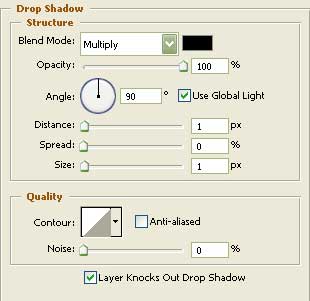
Blending Options-Drop Shadow
Comments