
LineAge II Game Community Header
December 29, 2006 | 0 comments
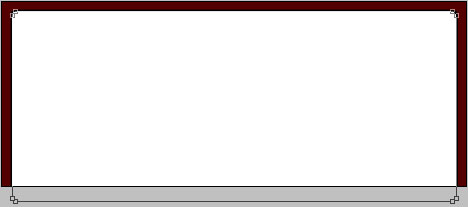
Open a new file with 696×275 px and 72 dpi. Paint it in the indicated color – 540000. This will represent the background of the site’s header to be.

Take now the next tool  and represent the lowest layer of the site’s header.
Blending Options-Stroke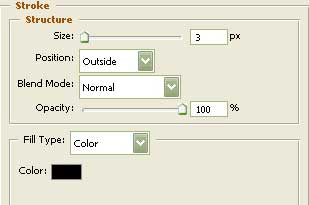
Give volume to the central panel of the header, by applying the same instrument.


Blending Options-Gradient Overlay
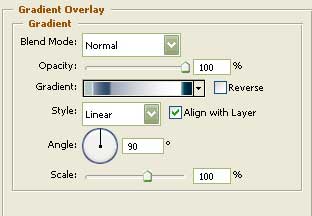
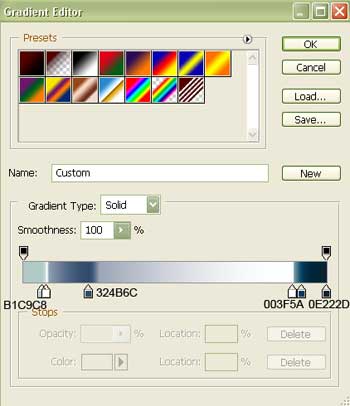
Gradient’s parameters:
Take the indicated tool now  and represent the window for the Logo and the hero’s pictures.

Comments