
Halo Game Web Header
Open a new file that would have 711×327 px and 72 dpi. It must be painted in the indicated color – 25333F.

Cut out a fragment from the necessary screenshot about Halo and place it the same way you may see below.
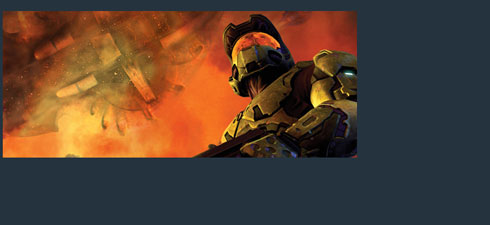
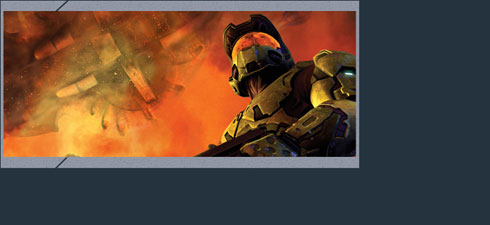
Using the next instrument  create a frame around the photo which must have the color 8F95A3. Create first a big rectangle, then keep pressed the Alt button to cut out a window of the sizes we need. Apply the previous instrument for this. Use a different instrument now
  to draw two inclined stripes of black color that have the parameters shown below.

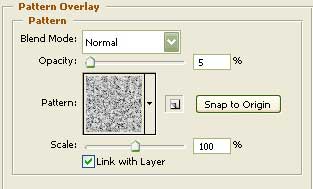
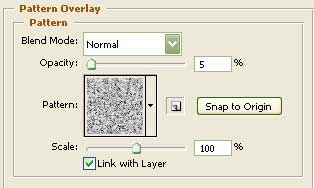
Blending Options-Pattern Overlay
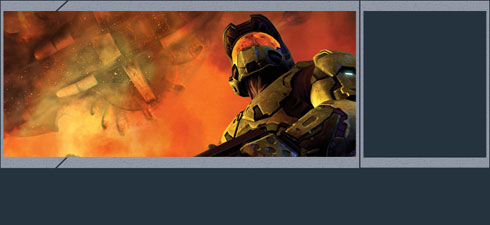
Using the same method applied for creating the photo’s frame, it’s possible to make a frame for the menu’s buttons of the same color and the same sizes.
Blending Options-Pattern Overlay
Comments