
Fisker Car Web Layout
January 28, 2007 | 0 comments
Create a new file that would have 766×575 px and 72 dpi. Paint it in black color.

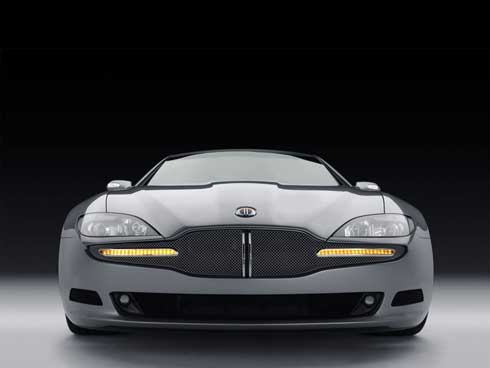
Cut out now a picture having represented a car on it (cut it out both with the surface it is situated on) and place it the way you may see in the picture below.
Select now the next instrument  and represent the lowest layer reserved for the site’s menu buttons.
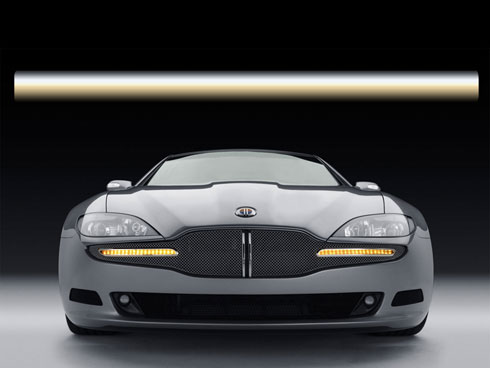

Blending Options-Gradient Overlay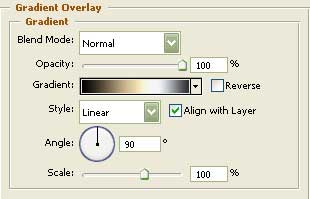
Gradient’s parameters: 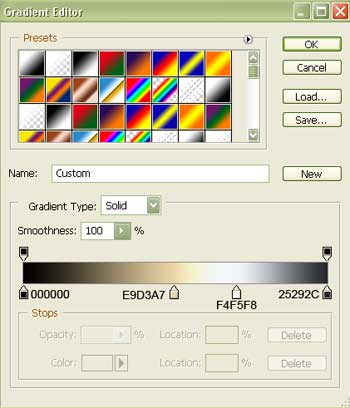
Comments