
Glowy Green Swirl Effect
May 12, 2006 | 0 comments
1. Make a new document, anysize doesn’t matter. Press CNTRL+D to reset your pallete colors. Make sure your background is BLACK.
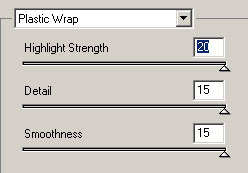
2. Apply Filter>Artistic>Plastic Wrap with these settings:
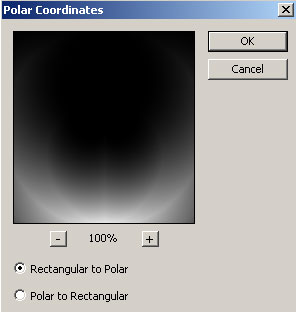
3. Filter>Distort>Polar Coordinates:
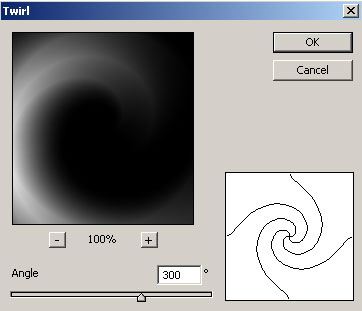
4. Twirl it a bit, Filter>Distort>Twirl:
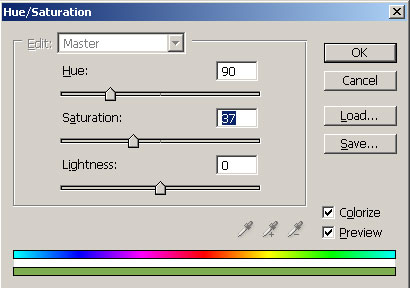
5. Apply your color now CNTRL+U:
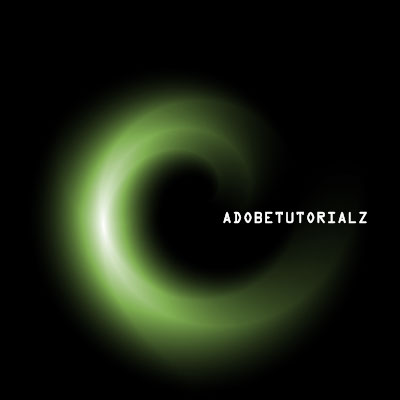
6. There ya go, here is my quick swirl effect:

Comments