
Online Consulting Layout
February 8, 2007 | 0 comments
Online Consulting Layout
Create modern web layout for a consulting company.
Create a new file that must have 766×500 px and 72 dpi. Paint it the next shown color – 354C5B.

Using the indicated here instrument  , it’s possible to create the lowest layer for the site’s section, colored in 223642.

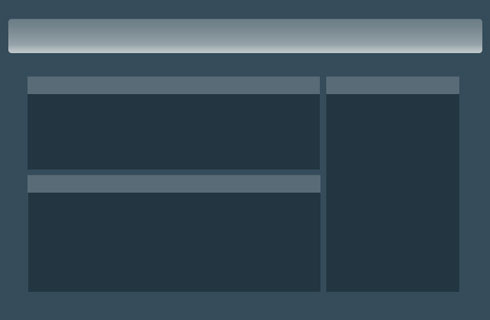
Copy the new made layer two times and make use of Free Transform selection to change the parameters for each of the copies, the way it is shown below:


Applying the last instrument, create the layers, designed for entitling the site’s sections. Their color should be 596B77. The layers should be placed on the upper parts of the site’s sections.

Take now the following instrument  and represent the lowest layer reserved for the site’s header.
Comments