
Sign Banner
February 23, 2007 | 0 comments
This will teach you and give you the basics how to create a sign.
Create a new file with the dimensions indicated here: 1024×768 px and 72 dpi. Finishing creating it, paint it in black color.

Choose then the following tool  to select from the table an appropriate cliché for that you are intending to do next.
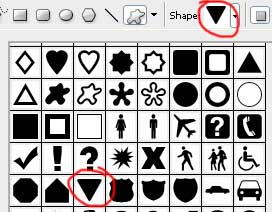
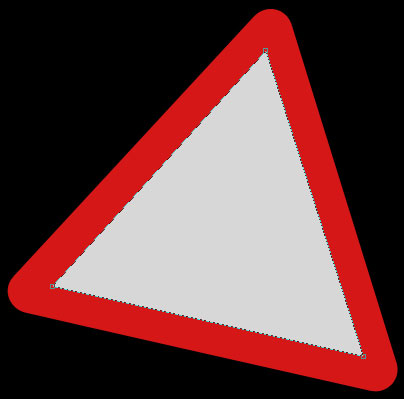
The color should be D51717. Make a click on the right mouse’s button on the triangle’s layer and apply Free Transform selection to turn it on that angle you may see in the picture below:


Take the next instrument  to create another triangle inside of that one we already have. Its color is D7D7D7.

Comments