
Pimp My Ride Effects
March 11, 2007 | 0 comments
Learn how to pimp your ride in our tutorial.
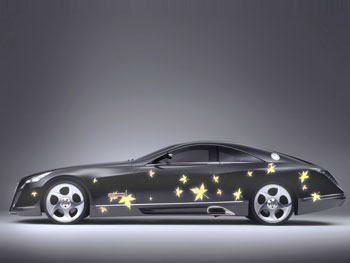
Select a photo, having pictured a car on it, like that one from below. The file should have 1024×768 px and 72 dpi.
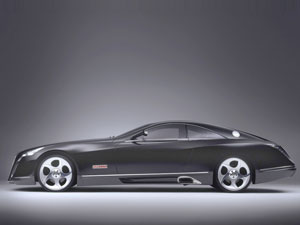
Now we should paint it out. It’s necessary to take a brush of black color to dark out the windows. Everything that is not necessary must be erased.
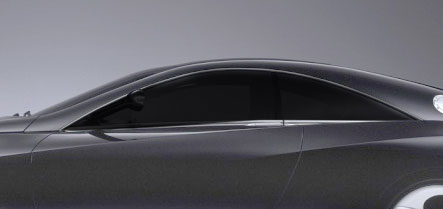
Fill 83% on the layers and set the layer’s options on Soft Light.

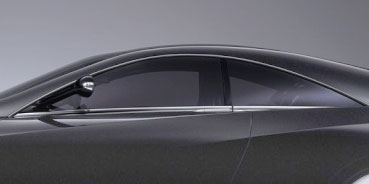
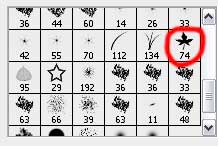
Select a brush’s cliché from the next table with the right mouse’s button on a new layer.
Try to represent several leaves on the lateral car’s surface, which color should be FFEE9B. Make the supplementary corrections with the usual eraser.
Comments