
I love spring Wallpaper
March 13, 2007 | 0 comments
Learn how one of the sping wallpapers was created.
Open a new file having 1440×900 px and 72 dpi. Then applying this instrument  , represent the background of our picture.

Blending Options-Gradient Overlay
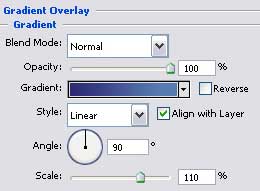
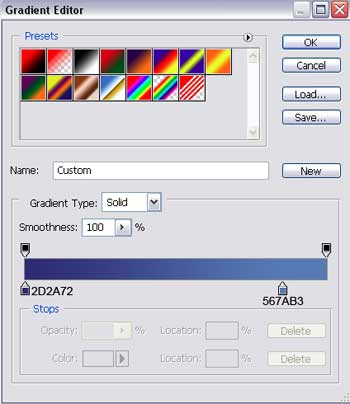
Gradient’s parameters:

Select after that the here shown instrument  and represent the main element and several circles. The first one should have this color- 5A89BB.

The second is painted in 4D80B6.

Comments