
Abstract Wallpaper
March 16, 2007 | 0 comments
Learn how to create simple abstract desktop wallpaper.
Open a new file having 1024×768 px and 72 dpi.
Select a photo now, having pictured on it the sky. It must have the same sizes, mentioned above.

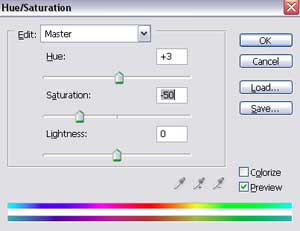
Click on the next combination Ctrl+U and set the parameters from the next table:
Add on our picture the changed sky’s picture lifted up.


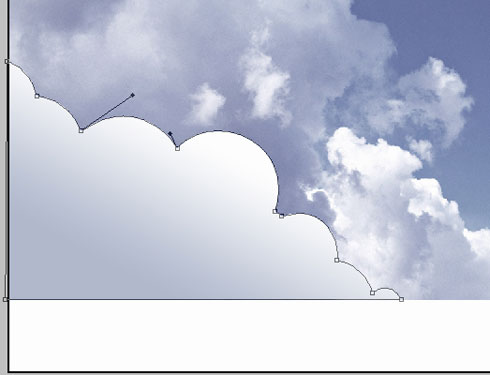
Choose the instrument from here  and draw the clouds’ silhouette.
Comments