
Zippo Lighter Wallpaper
March 18, 2007 | 0 comments
A quick way to create a simple Zippo background.
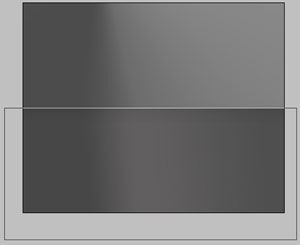
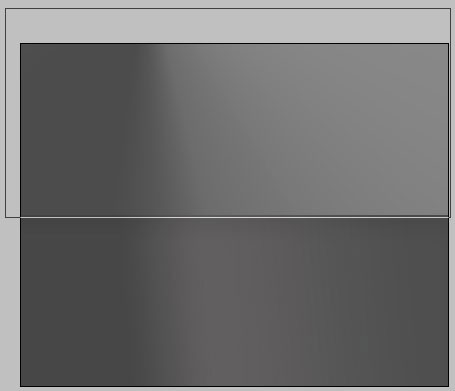
Open a new file with 1280×1024 px and 72 dpi. Applying the next instrument  , represent the background in two stages for the picture to be.
The first stage includes next elements:
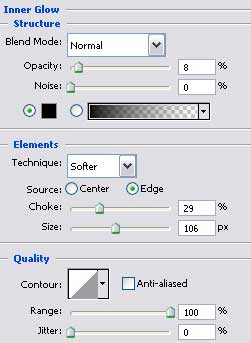
Blending Options-Inner Glow
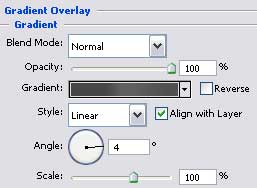
Blending Options-Gradient Overlay

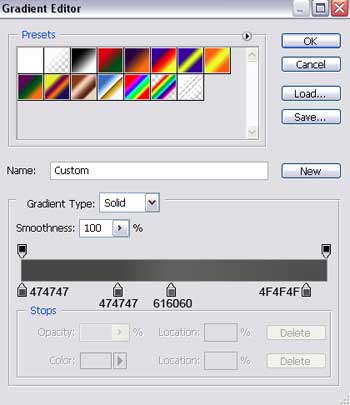
Gradient’s parameters:
Applying the same instrument, pass to represent the next stage:
Comments