
Minimalistic Wallpaper
April 1, 2007 | 0 comments
In this tutorial we will learn how to create minimalistic wallpapers.
Create a new file that would have 1280×1024 px and 72 dpi. Using the next instrument  , try o represent the background of the picture to be next.

Blending Options-Gradient Overlay
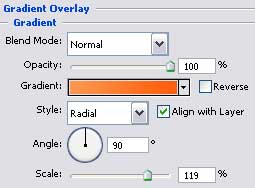
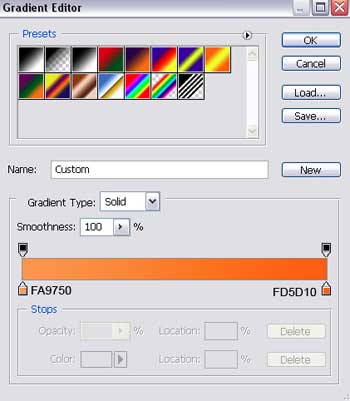
Gradient’s parameters:

Select the next tool  to draw several rays on the picture.
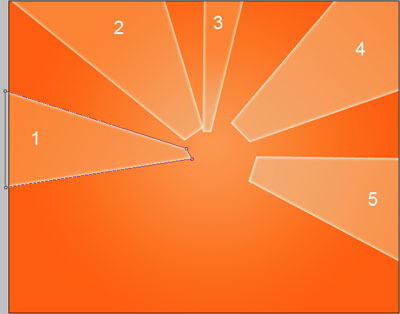
The parameter of the first ray:
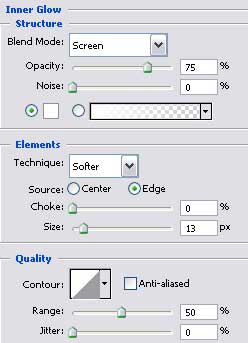
Blending Options-Inner Glow (this parameter is the same for all rays).
Comments