
Personal Site Layout
In this tutorial you will learn how to create a web layout for persoanl site.
We shall begin by opening a new file of 800×800 px and 72 dpi and then apply the Rectangle Tool (U) to represent the background of the next site.

The layer’s parameters may be set by marking out one layer and clicking on it on the right mouse’s button.
Blending Options>Gradient Overlay 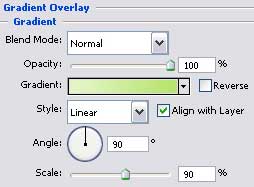
Gradient’s parameters: 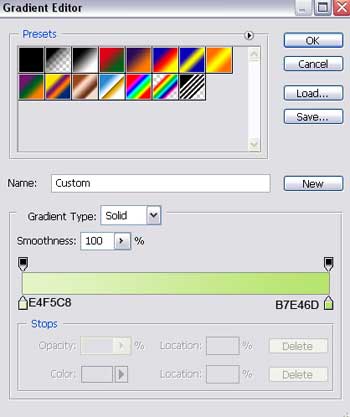
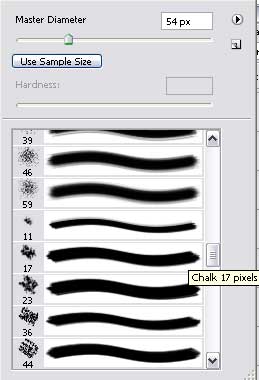
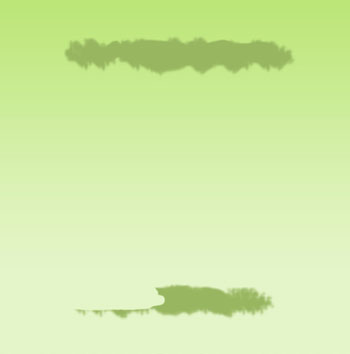
Create a new layer now and select the Brush Tool (B) from a standard set of brushes clicking on the right mouse’s button on the picture (the color is 98B660). Represent after that two small stripes the way it is indicated on the picture below. The unnecessary elements may be erased with the usual instrument – Eraser Tool (E).

Choose now the Rounded Rectangle Tool (U) and represent the primary layer, reserved for the site’s panel, but we have to delete a top from the upper part and from the left bottom (Delete Anchior Point Tool)
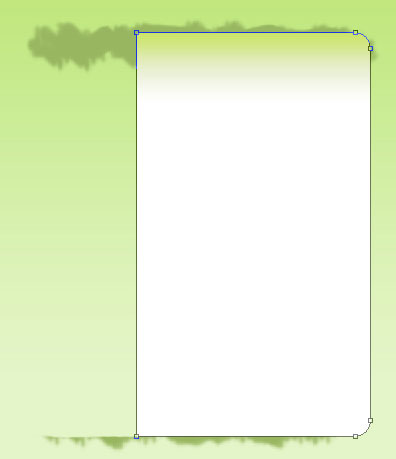
The layer’s parameters:
Blending Options>Gradient Overlay
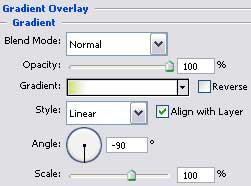
Comments