
Anime Girl Wallpaper
April 21, 2007 | 0 comments
Learn how to draw a picture of a girl in the anime style.
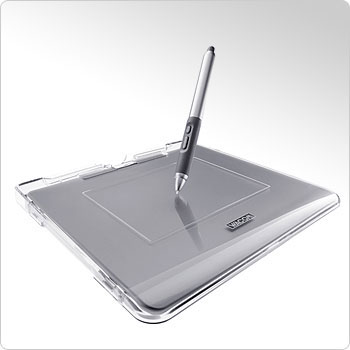
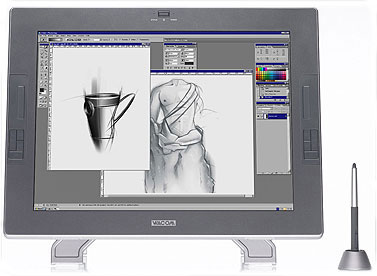
The next lesson we’ll try to represent a girl in the Anime style. We need for this operation a graphical plane-table, an example of which is indicated below
Open a new file with 1024×768 px.
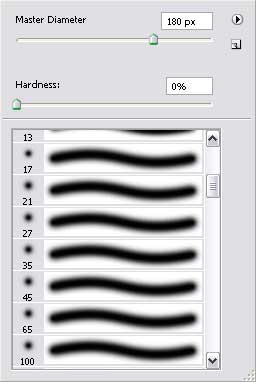
Select after that a smooth brush and, setting the Opacity on 10%, having approximately the same parameters as in the next picture.

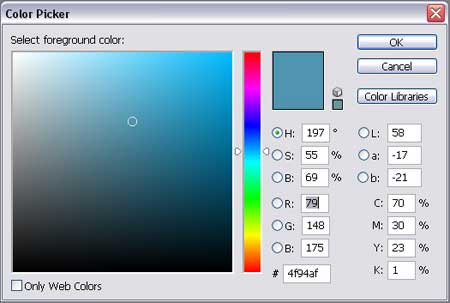
Choose any nuance of blue color it’s appropriate for you:
And represent the background, doing it very smoothly:

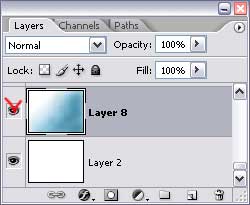
Hide the next option Indicates Layer Visibility on the layers’ panel just for the background not to hinder us when drawing different elements:
Comments