
Security Icon
April 23, 2007 | 0 comments
In this tutorial we will create security icon for web site or for software.
Begin by creating a new file (File>New) that would have 450×450 px and 72 dpi.
Select after that the Custom Shape Tool (U) and choose from the next table the necessary cliché we want to put in our picture.
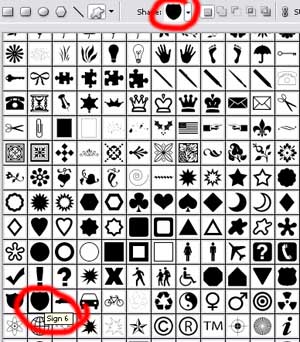
The cliché’s color is 383838.


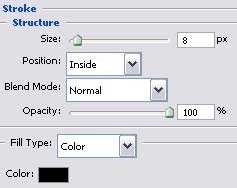
Apply the here shown parameters for the next layer (click with the right mouse’s button on the marked layer).
Blending Options>Stroke
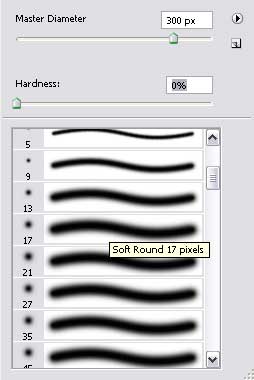
Create a new layer and select a standard brush to represent a flare of white color.
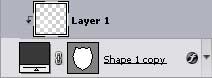
Then press the Alt button and make a mouse’s click between the black indicator’s layer and the flare’s layer and the layer will lay over the indicator.

Comments