
Professional Design Studio Web Template
April 25, 2007 | 0 comments
Guide to design a professional web layout for Web Design Studio.
Open a new file (File>New) with 780×360 px and 72 dpi and then apply the Rectangle Tool (U) to represent the background for the site to be next.

Set the layer’s parameters on the layers’ panel (click on the right mouse’s button on the marked layer).
Blending Options>Gradient Overlay
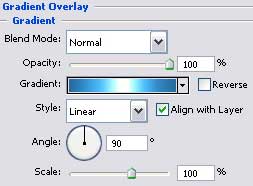
Gradient’s parameters: 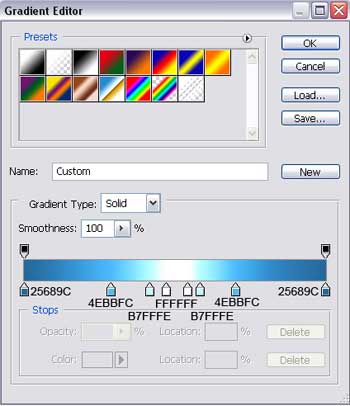

Create a new layer and represent the primary elements of the texture’s cliché of 4×4 px and 72 dpi, done with the Pencil Tool (B), colored in C5C5C5.

Save it!
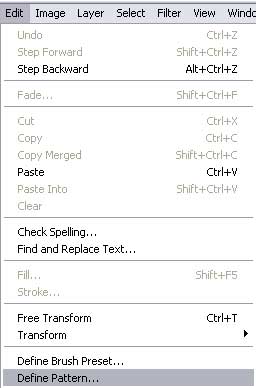
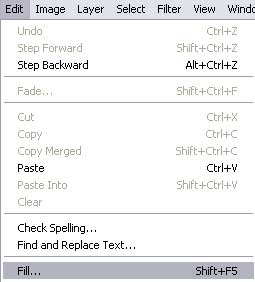
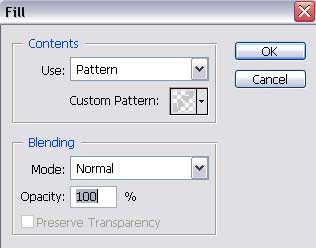
Create a new layer and apply the next options for it.
Comments