Forum Icon

April 29th, 2007 by ART-D Posted in Adobe Photoshop, Buttons

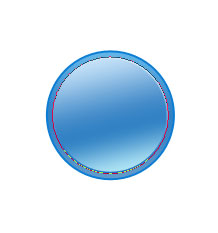
The layer’s parameters:
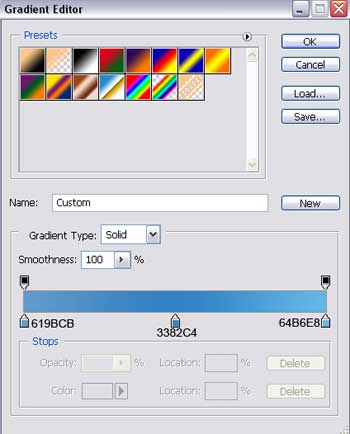
Blending Options>Gradient Overlay
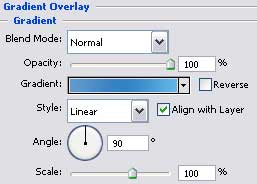
Create Forum Icon in Photoshop CS

Gradient’s parameters:

Create Forum Icon in Photoshop CS

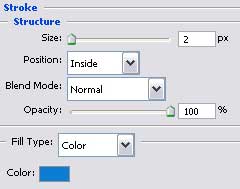
Blending Options>Stroke

Create Forum Icon in Photoshop CS

Gradient’s parameters:

Create Forum Icon in Photoshop CS

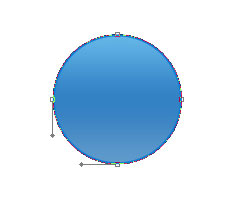
Selecting the same instrument, it’s possible to create an element that we’ll consider to be the ball’s volume. Change the shape a little, moving the tops also with Convert Point Tool.

Create Forum Icon in Photoshop CS

The layer’s parameters:
Blending Options>Inner Glow

Create Forum Icon in Photoshop CS

Blending Options>Gradient Overlay

Create Forum Icon in Photoshop CS

  •  

  •    
  •  


Post Pages: 1 2 3 4 5 6

  • ronnarninfedy

    13/09/2009

    Hello! Honest resurs. Repentant in place of my english, but i very nice say gJ$)Kd!!!.

  • Adam

    12/10/2009

    Hey, nice stuff. It help Me, thanks.

    Also vist my blog site :)

  • Joyful

    10/05/2010

    A fantastic, easy to understand tutorial. Thanks so much for sharing! Has made my life a lot easier :)