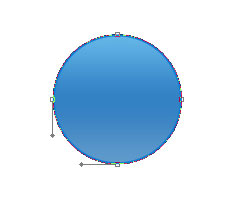
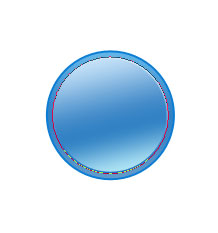
Forum Icon

April 29th, 2007 by ART-D Posted in Adobe Photoshop, Buttons

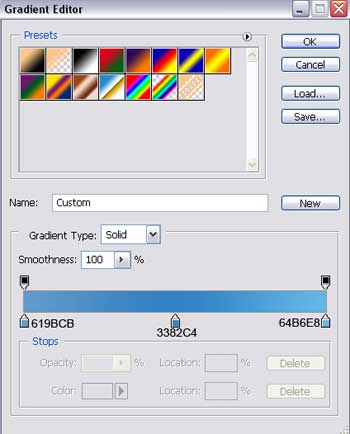
Gradient’s parameters:

Create Forum Icon in Photoshop CS

Create Forum Icon in Photoshop CS

Apply the already well known instrument (Ellipse Tool (U)) to represent after that a flare, covering the right ball’s half. Erase the unnecessary top, selecting previously the Delete Anchor Point Tool

Create Forum Icon in Photoshop CS

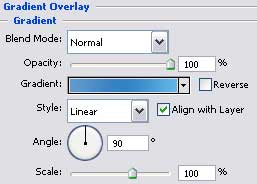
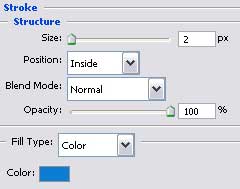
The layer’s parameters:
Fill 0% on the layers.
Blending Options>Gradient Overlay

Create Forum Icon in Photoshop CS

Gradient’s parameters:

Create Forum Icon in Photoshop CS

Create Forum Icon in Photoshop CS

Then we’ll select the Custom Shape Tool (U) just to choose from the next shown table the corresponding cliché for what we want to represent next.

Create Forum Icon in Photoshop CS

Post Pages: 1 2 3 4 5 6

  • ronnarninfedy

    13/09/2009

    Hello! Honest resurs. Repentant in place of my english, but i very nice say gJ$)Kd!!!.

  • Adam

    12/10/2009

    Hey, nice stuff. It help Me, thanks.

    Also vist my blog site :)