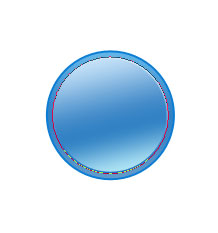
Forum Icon

April 29th, 2007 by ART-D Posted in Adobe Photoshop, Buttons

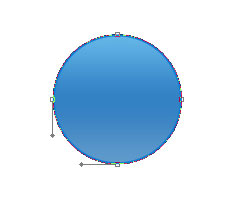
Place the new figure on the central picture’s part.

Create Forum Icon in Photoshop CS

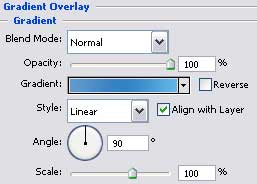
The layer’s parameters:
Fill 0% on the layers.
Blending Options>Gradient Overlay

Create Forum Icon in Photoshop CS

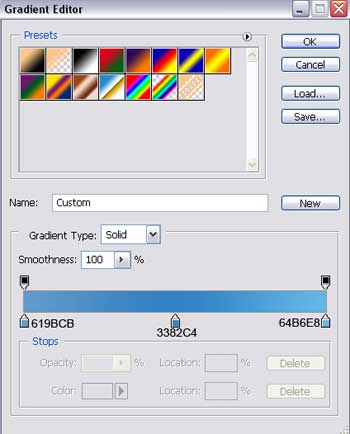
Gradient’s parameters:

Create Forum Icon in Photoshop CS

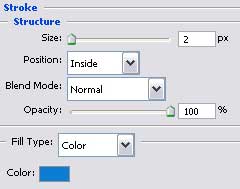
Blending Options>Stroke

Create Forum Icon in Photoshop CS

Gradient’s parameters:

Create Forum Icon in Photoshop CS

Create Forum Icon in Photoshop CS

Insert the ball into a made ring by the same Ellipse Tool (U). Firstly we’ll represent the outside ring’s borders and then press the Alt button to cut out its middle part.

Create Forum Icon in Photoshop CS

  •  

  •    
  •  


Post Pages: 1 2 3 4 5 6

  • ronnarninfedy

    13/09/2009

    Hello! Honest resurs. Repentant in place of my english, but i very nice say gJ$)Kd!!!.

  • Adam

    12/10/2009

    Hey, nice stuff. It help Me, thanks.

    Also vist my blog site :)

  • Joyful

    10/05/2010

    A fantastic, easy to understand tutorial. Thanks so much for sharing! Has made my life a lot easier :)